Solo
1 user
€15per month, net
Later public price: €29
Start 14 days free


Early access — test version
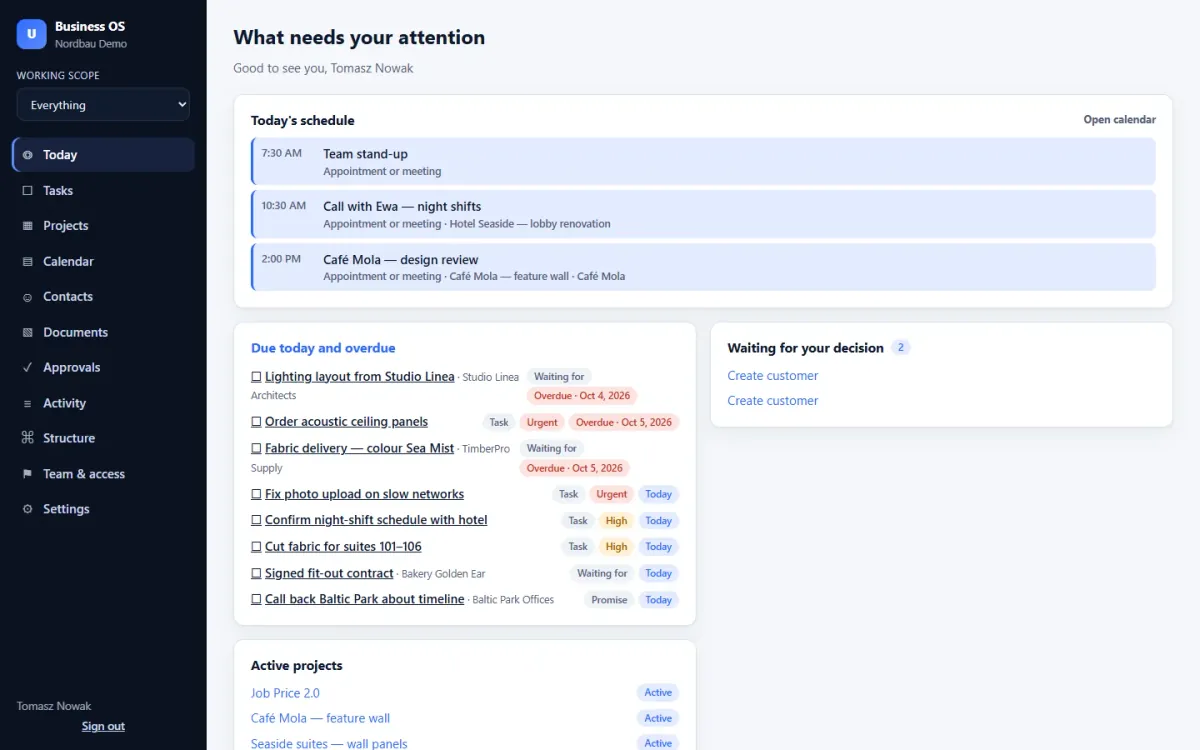
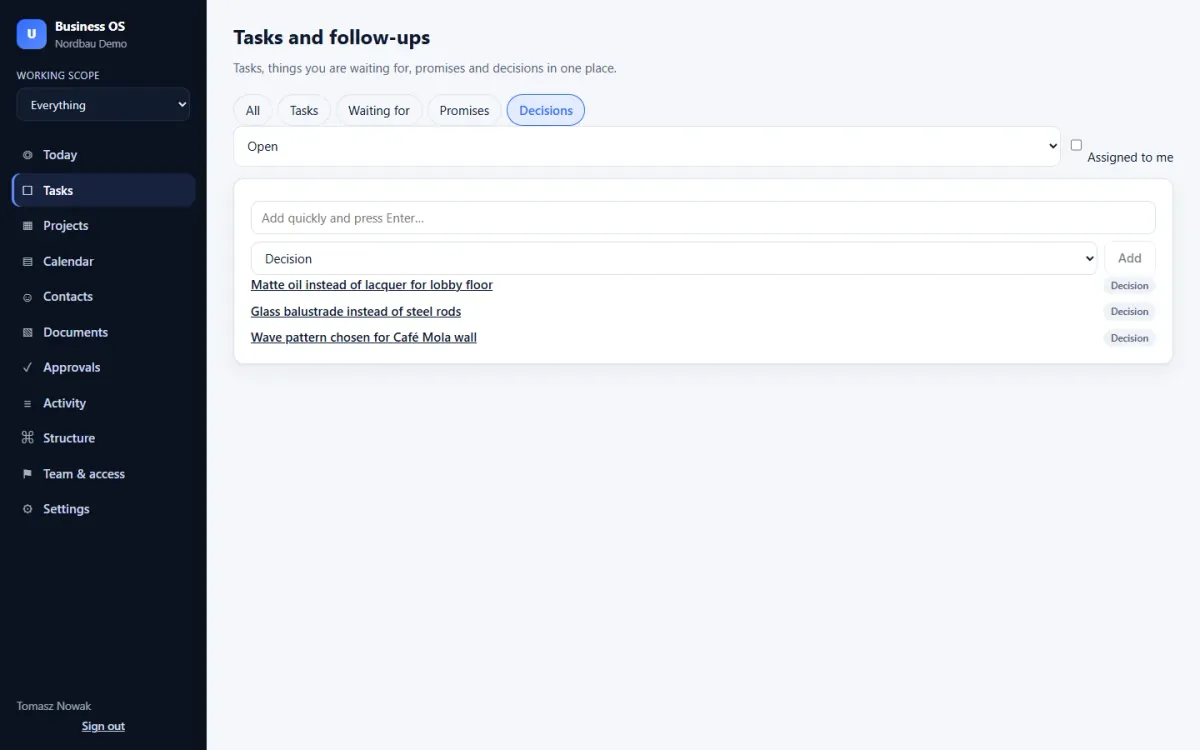
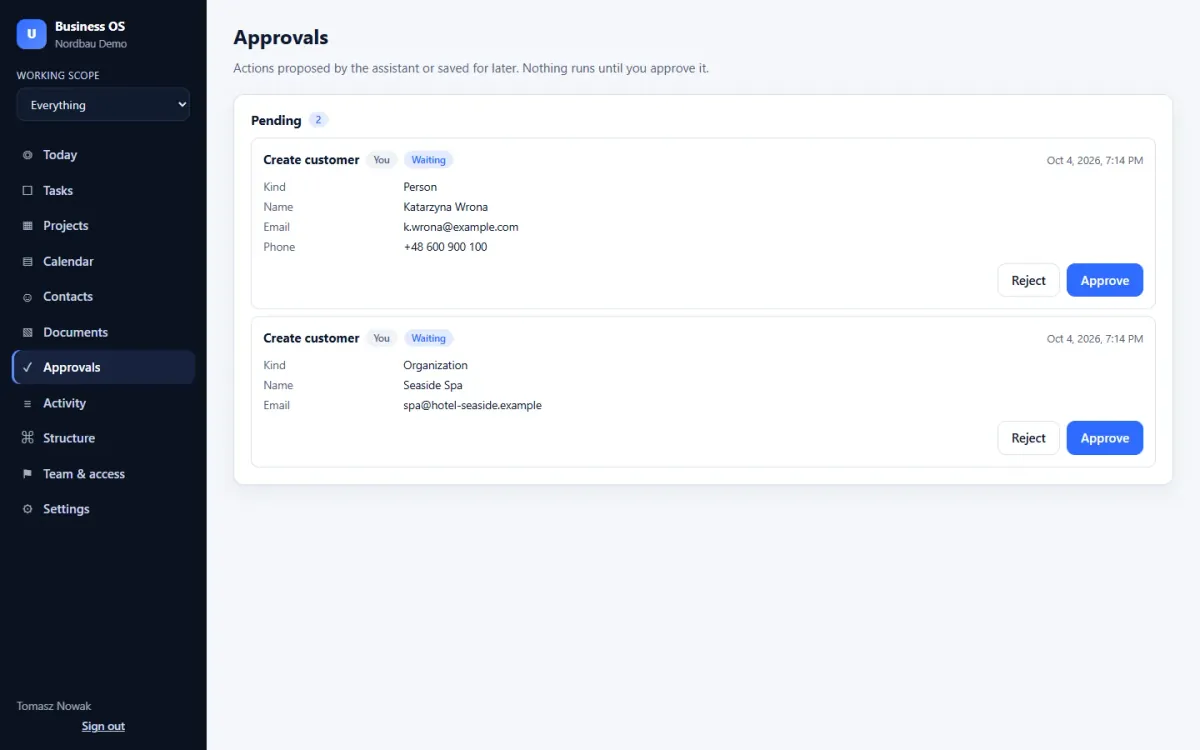
Tasks, promises to clients, decisions, projects, documents and the calendar — for small companies with several lines of business. Every screen on this page is the real app with demo data.
From €15 per month, net. Price locked forever for the first 100 companies.
What works today
Only what you can use today. Nothing on this list is a promise.
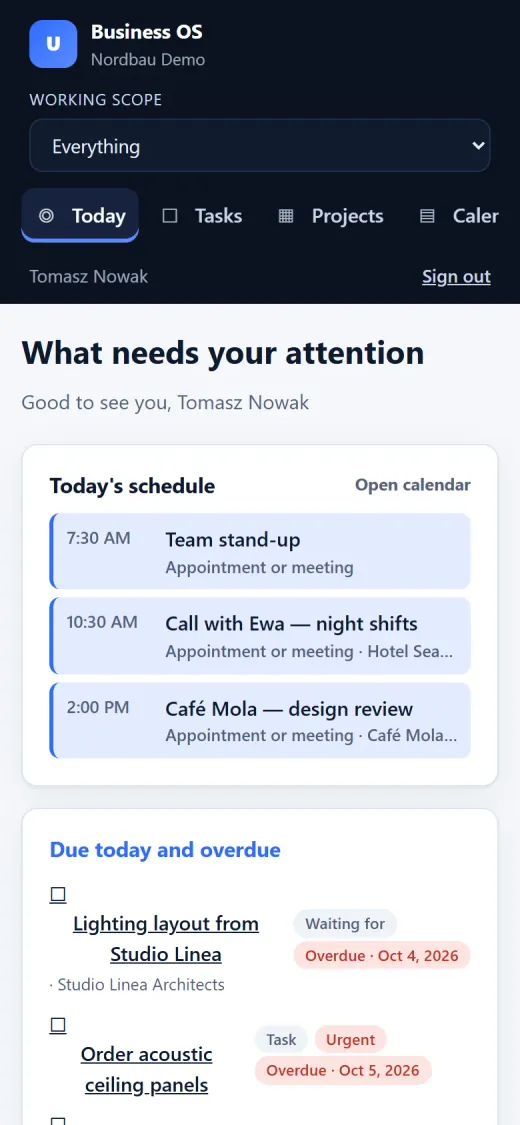
Schedule, overdue and due-today items, approvals and active projects on one screen.
Priorities and due dates, with subtasks and blockers, so you see what is stuck and why.
What others owe you: who, what and by when.
What you promised clients, so nothing slips.
A log of decisions with the reason behind each one.
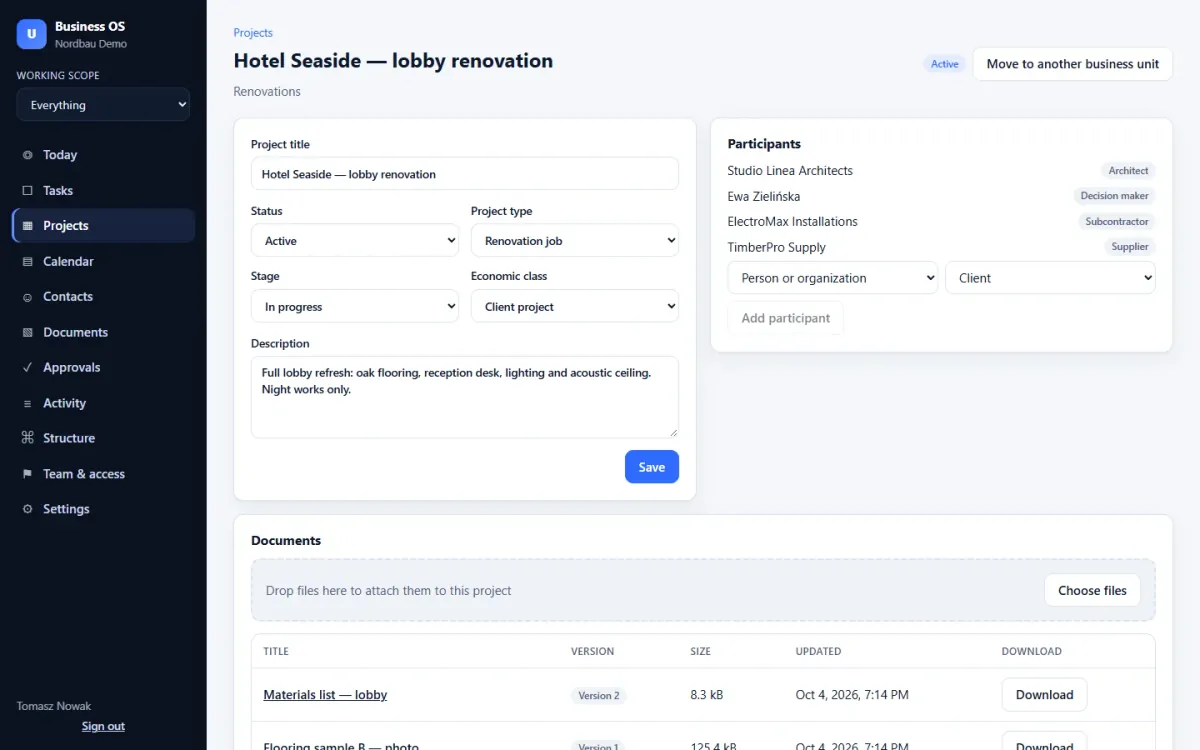
Each project type has its own stages. See the stage and status of every project.
Workshop, construction, sales: one company, all units together or one at a time.
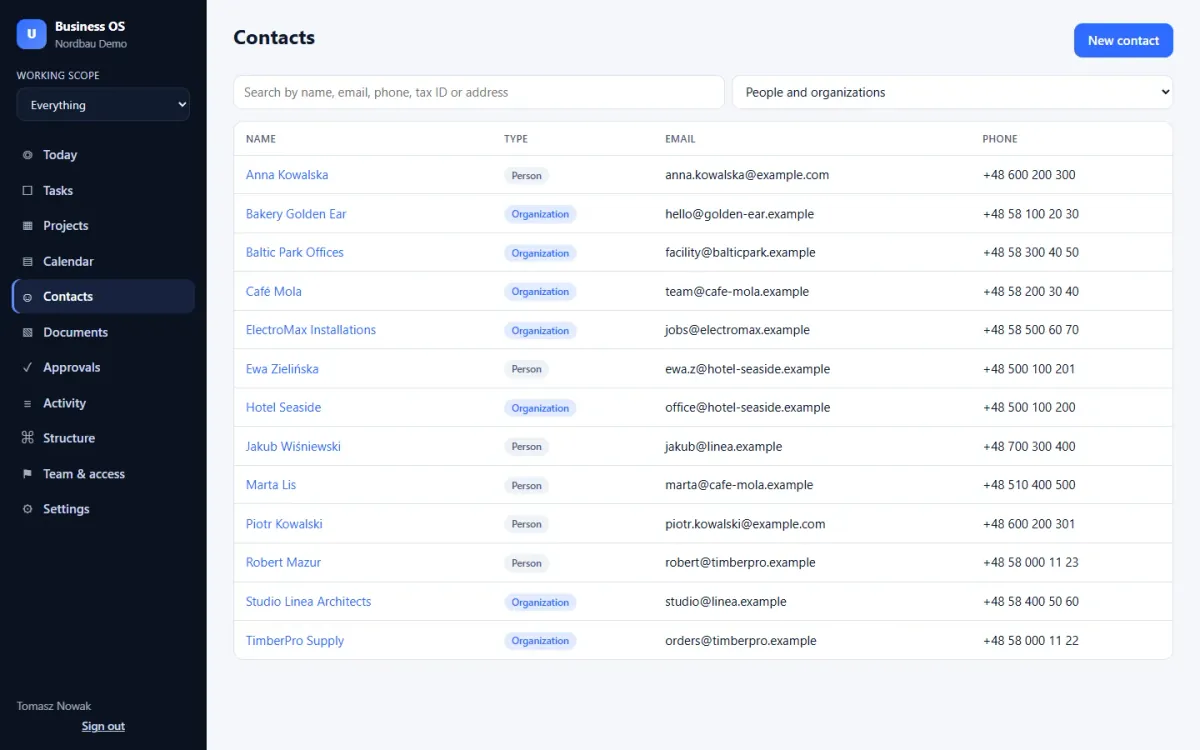
Clients, architects, suppliers and subcontractors, with people, projects and notes.
Meetings, site visits, deadlines and focus blocks.
Files linked to projects, with every version kept.
Give a person access to one business unit or a single project.
Nothing proposed by the system runs until a person approves it.
See who changed what, and when.
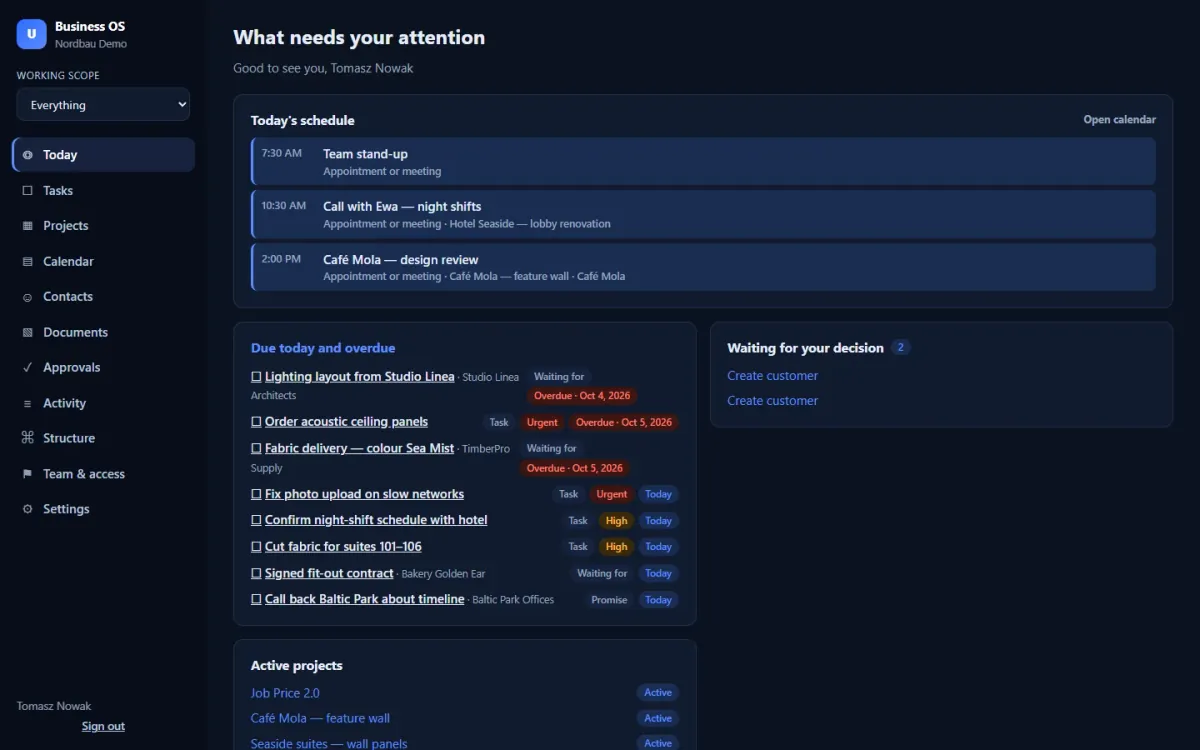
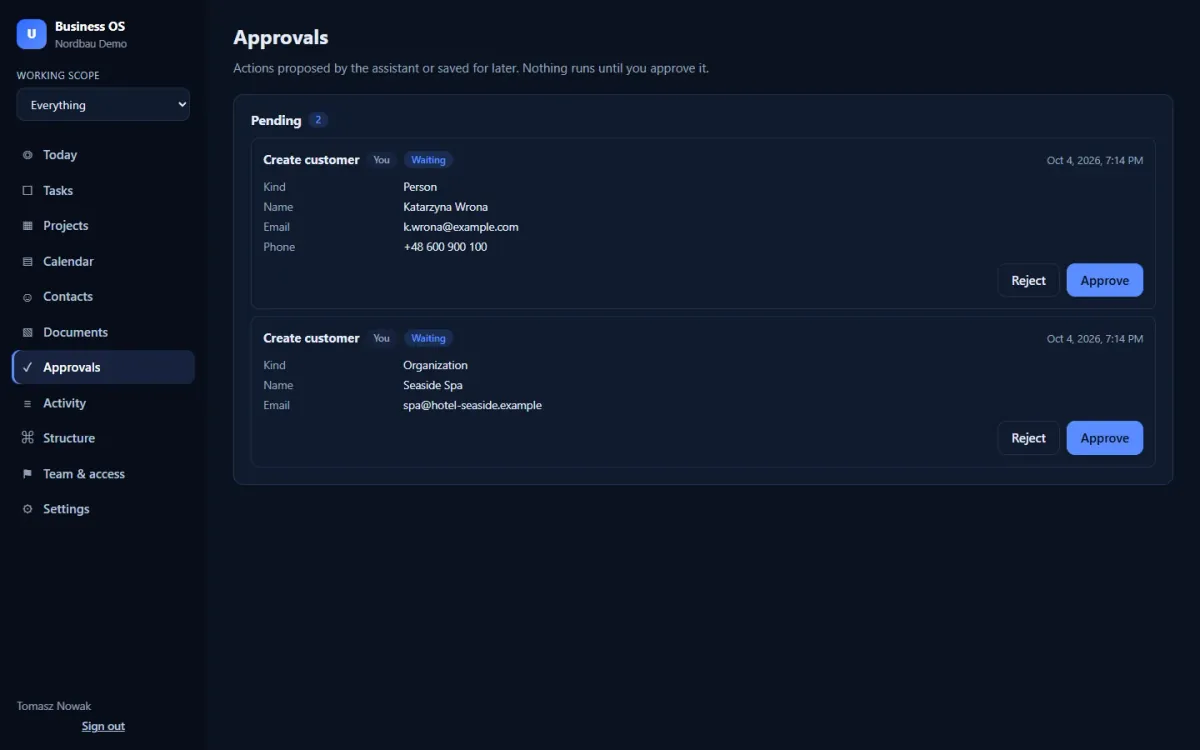
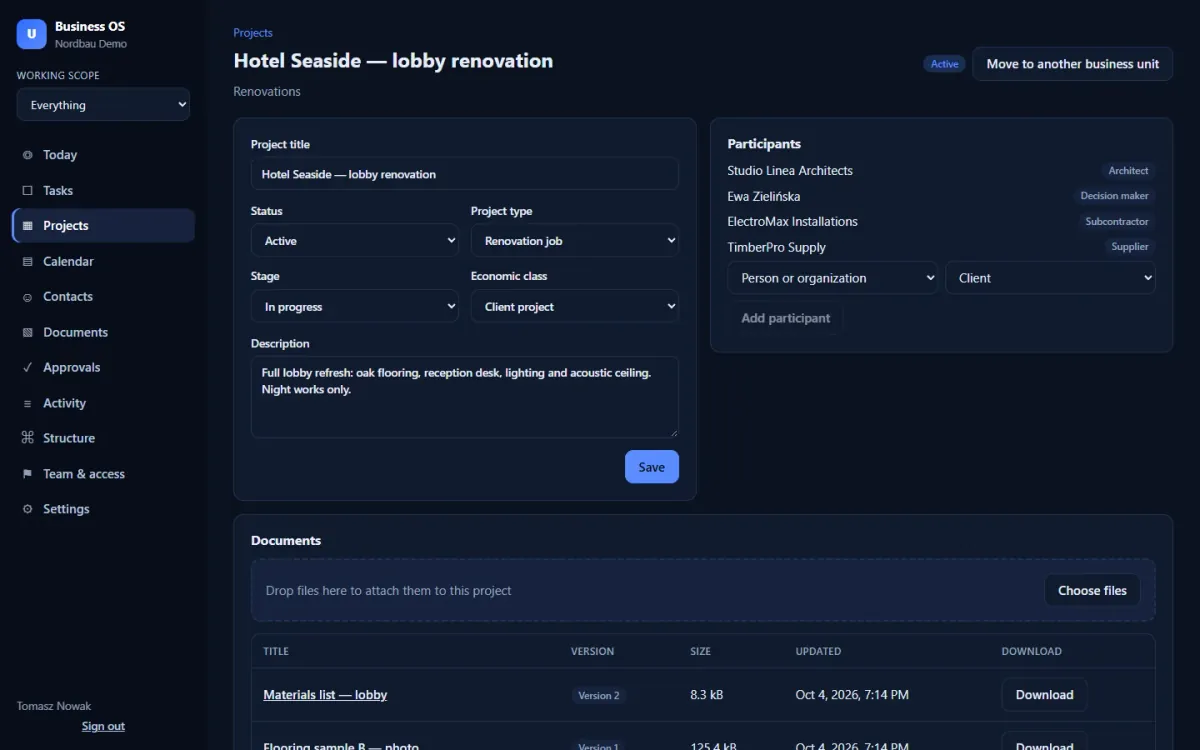
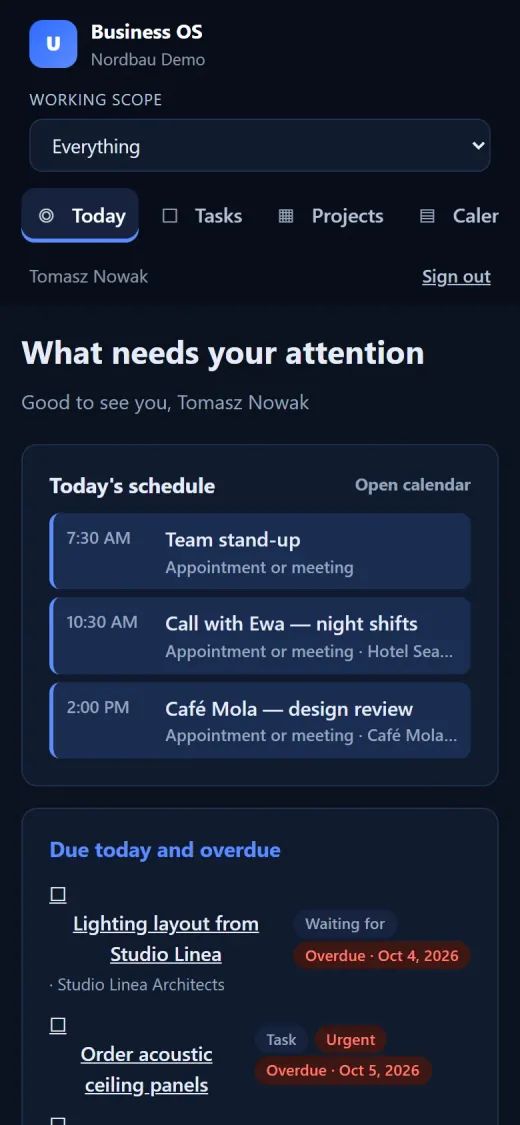
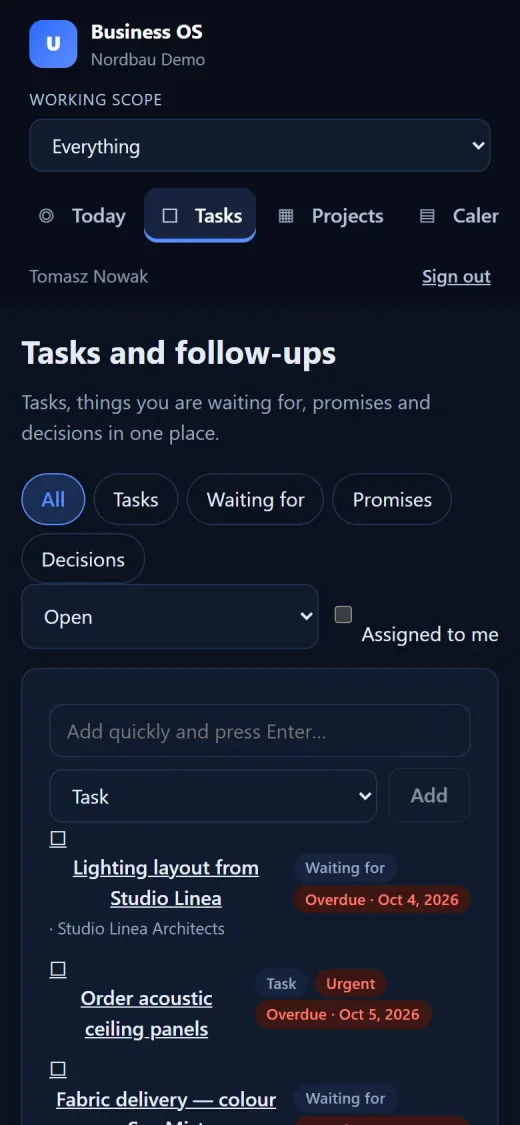
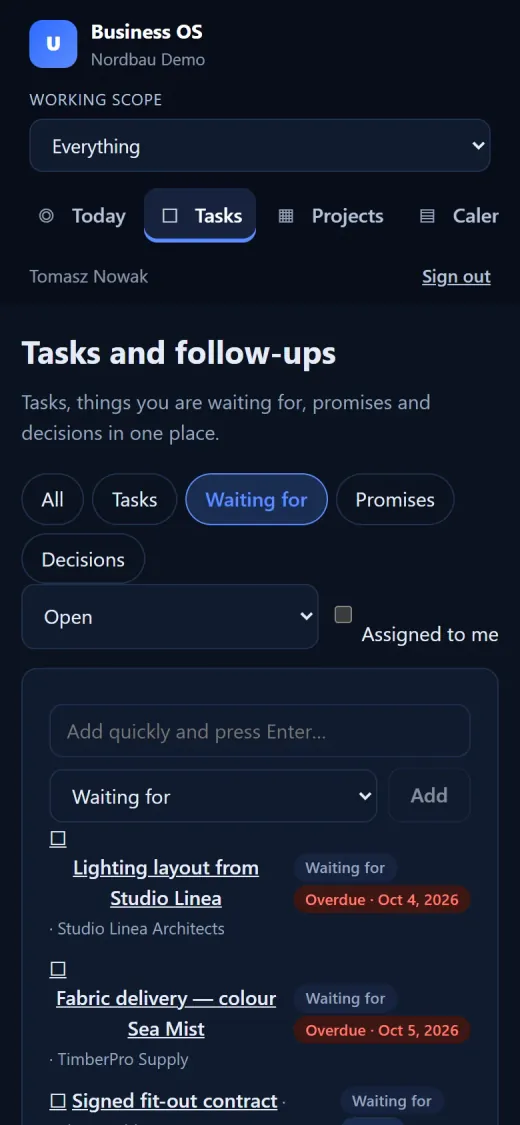
Easy on the eyes in the office and late in the evening.
Switch the language at any time.
A code from an authenticator app on top of the password.
Real screens
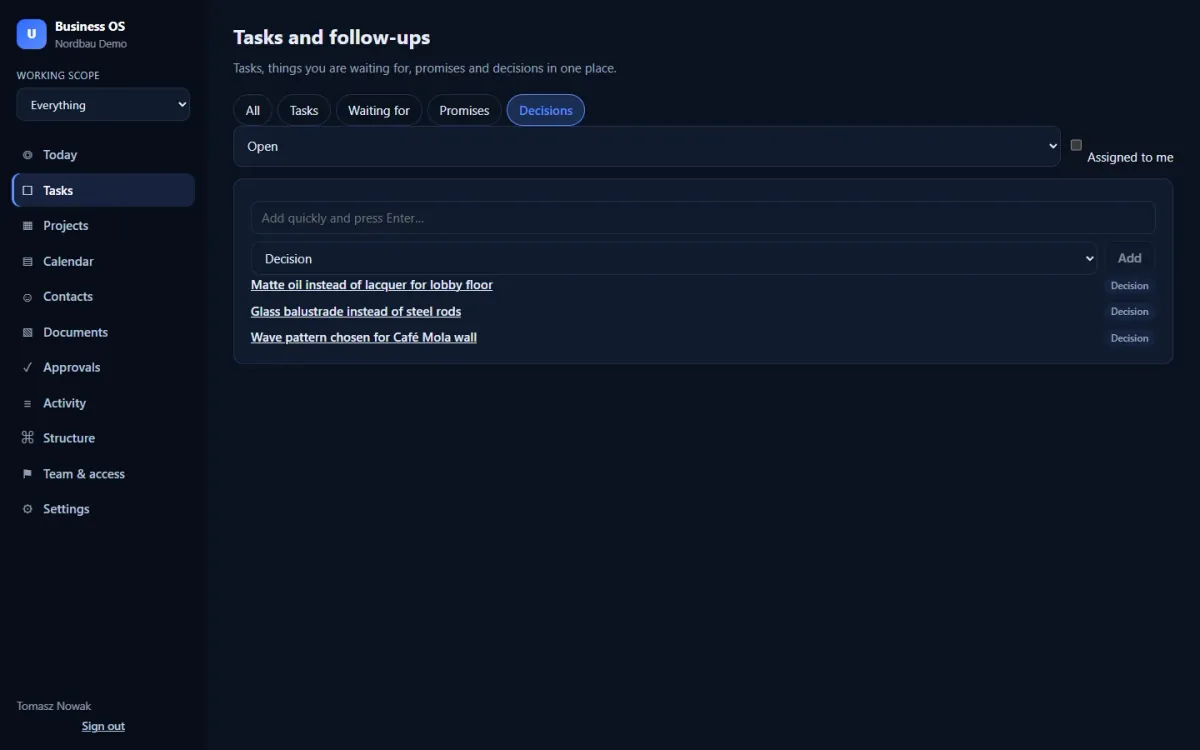
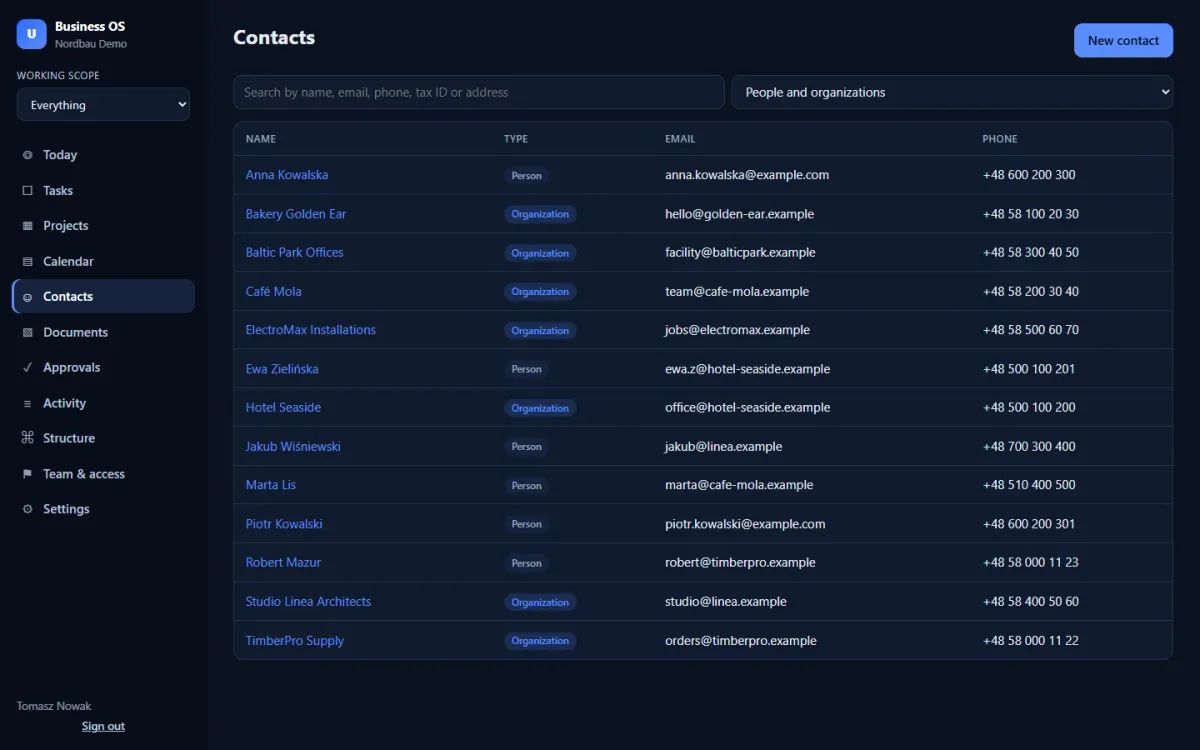
Real screens of the test version with a fictional demo company. Interface shown in English.
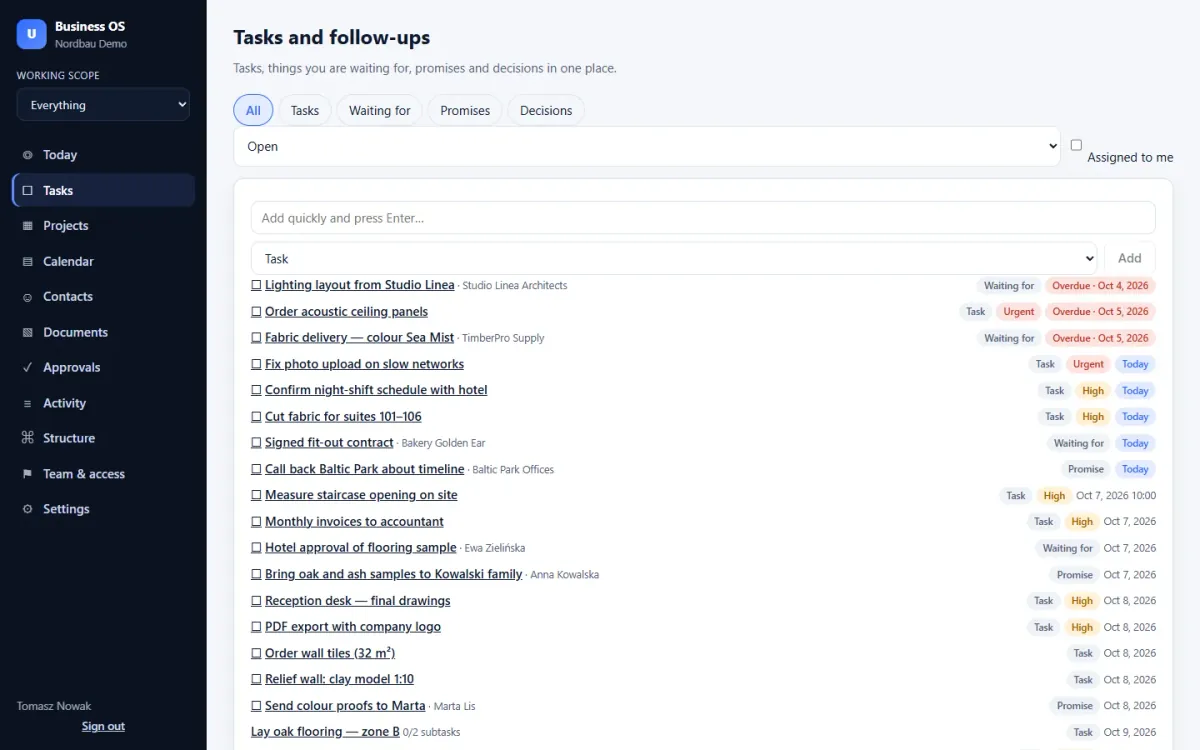
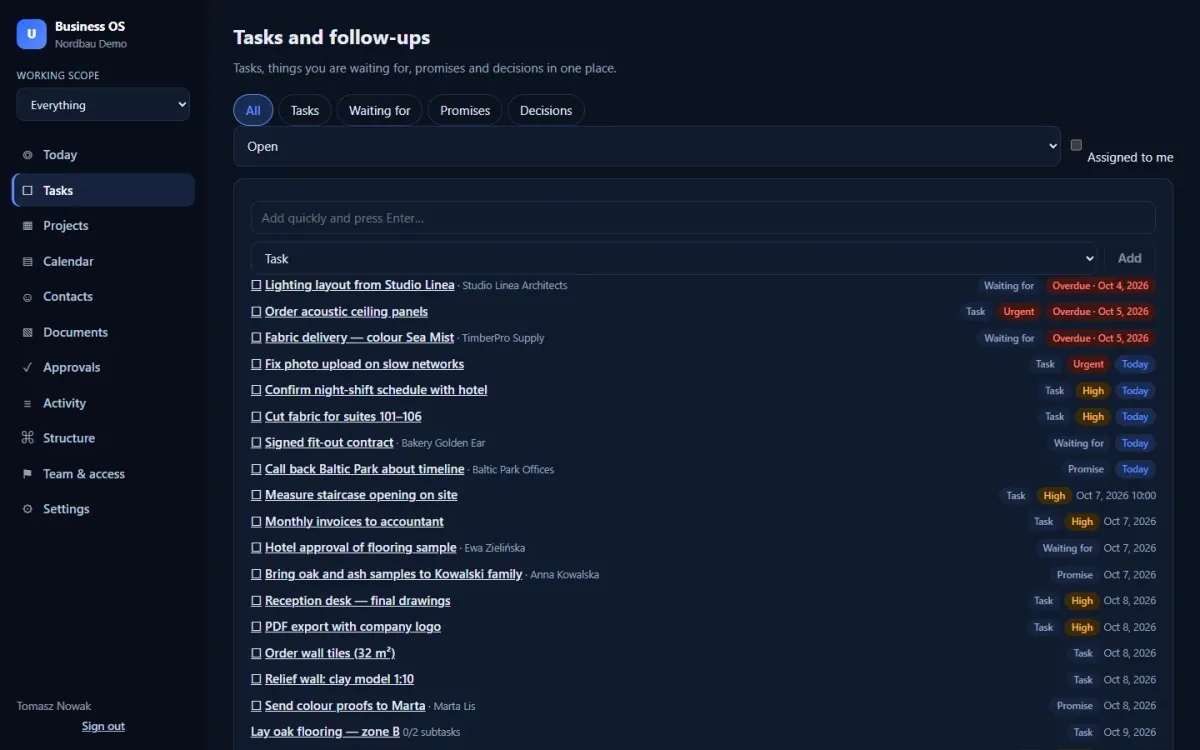
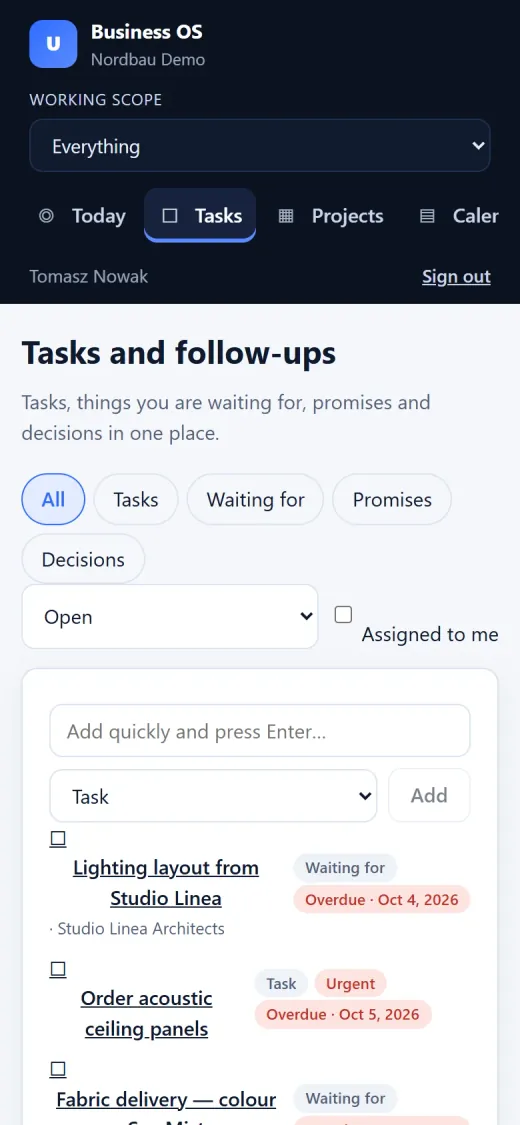
Tasks and follow-ups with priorities, due dates and overdue flags
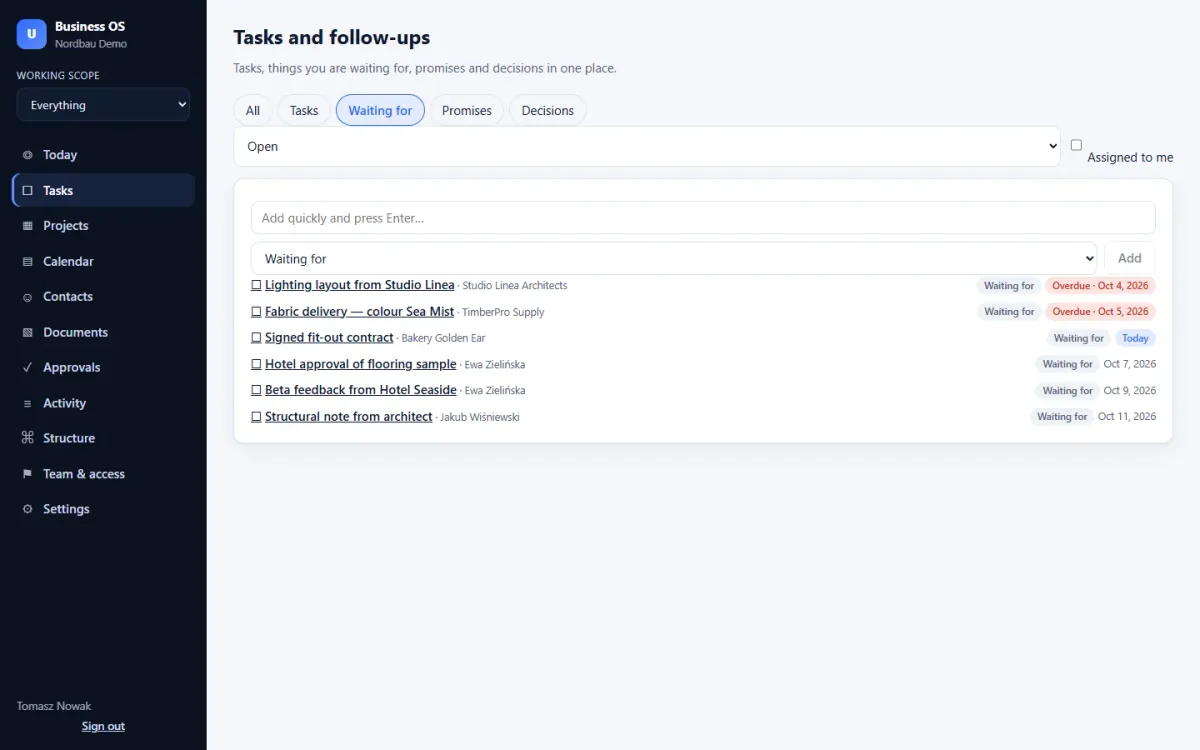
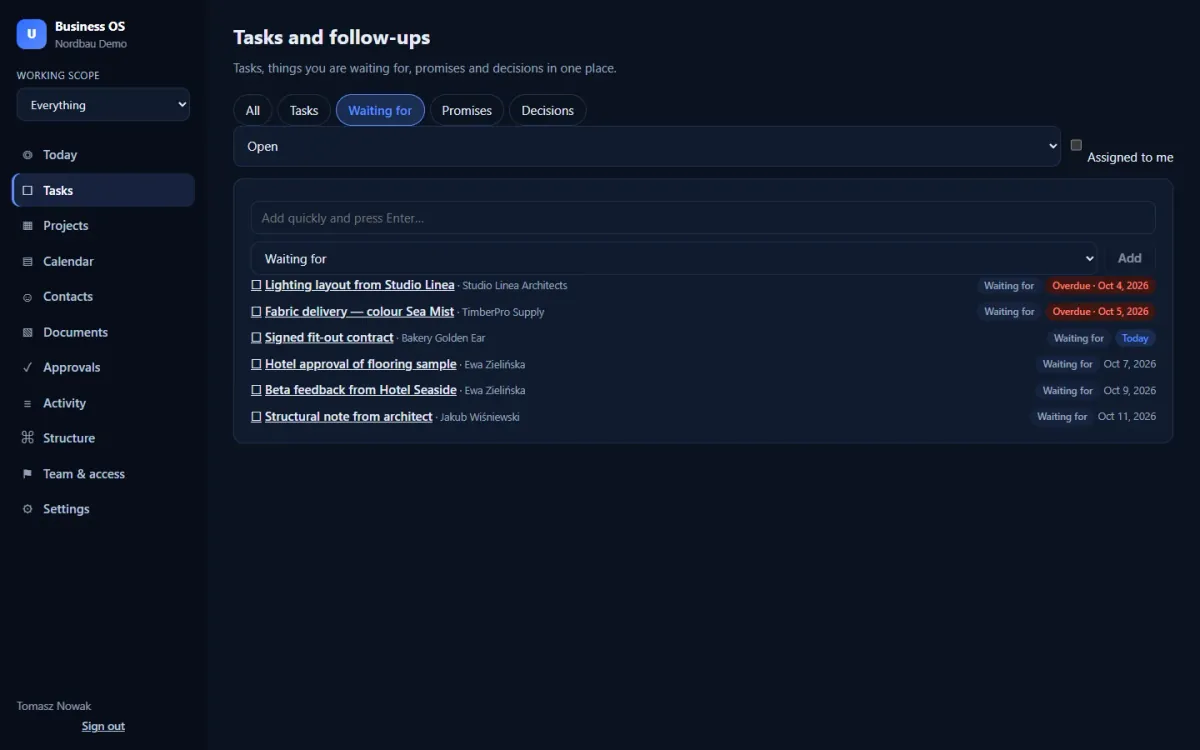
Waiting for: what others owe you, with who and by when
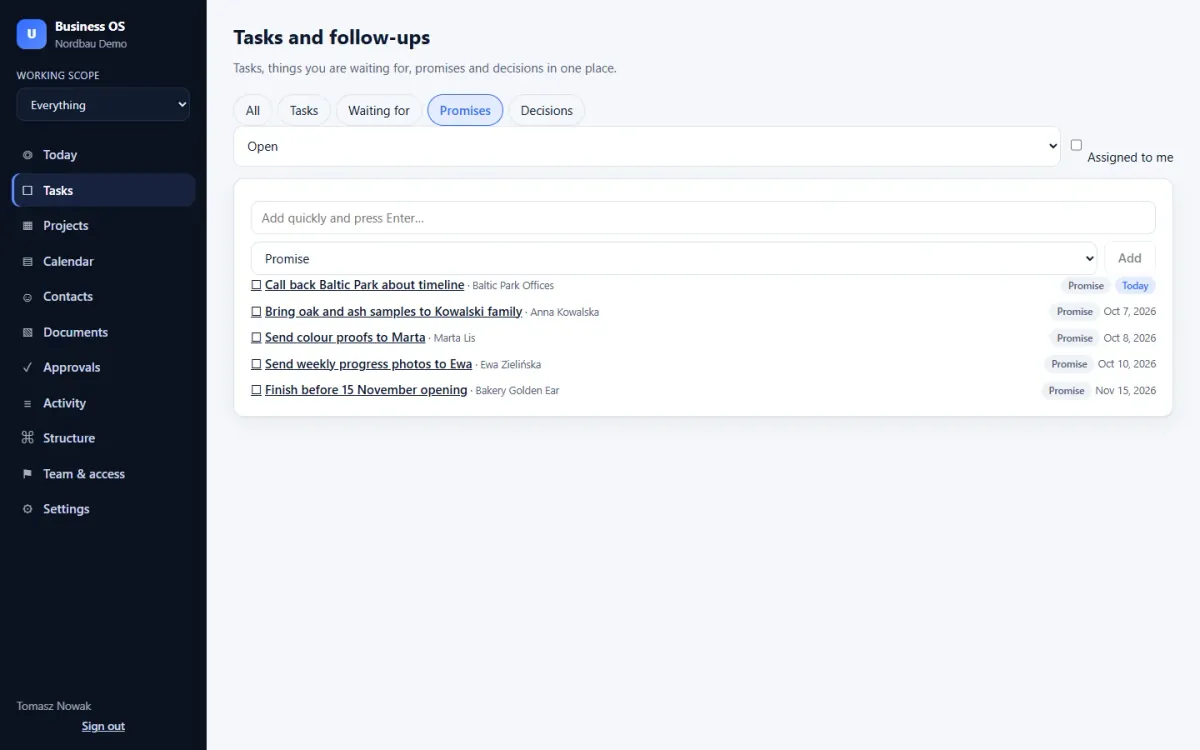
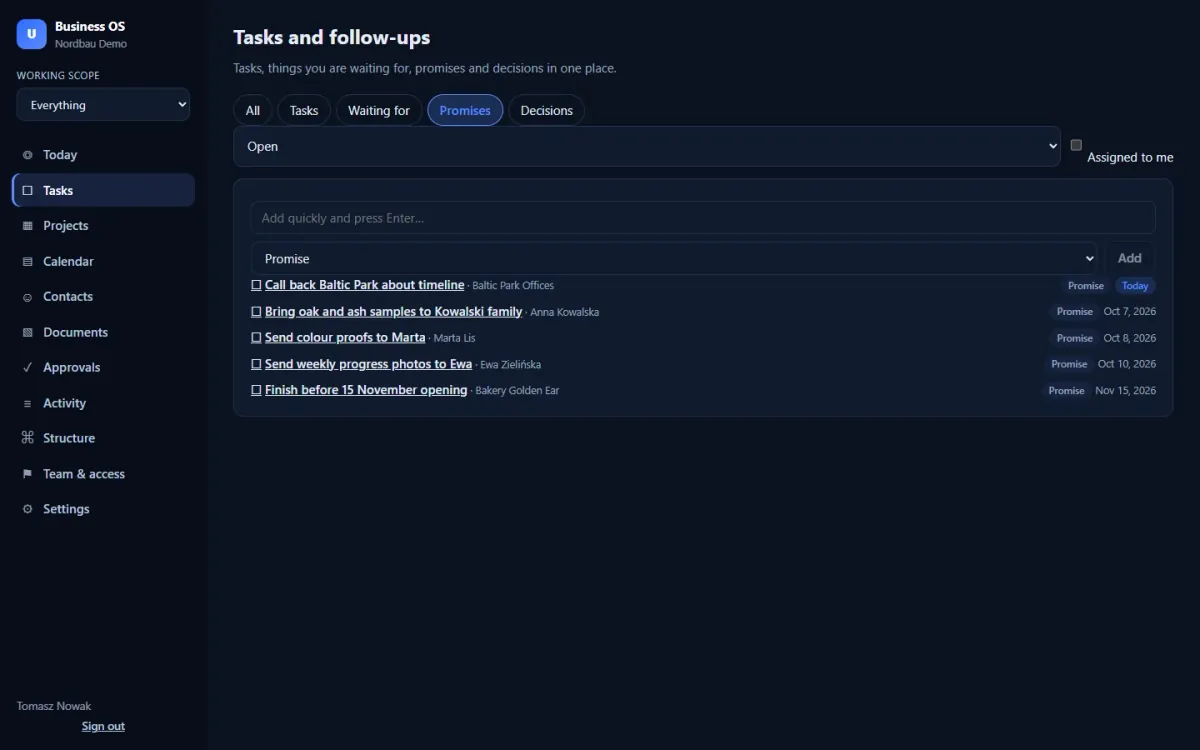
Promises: what you committed to clients, so nothing slips
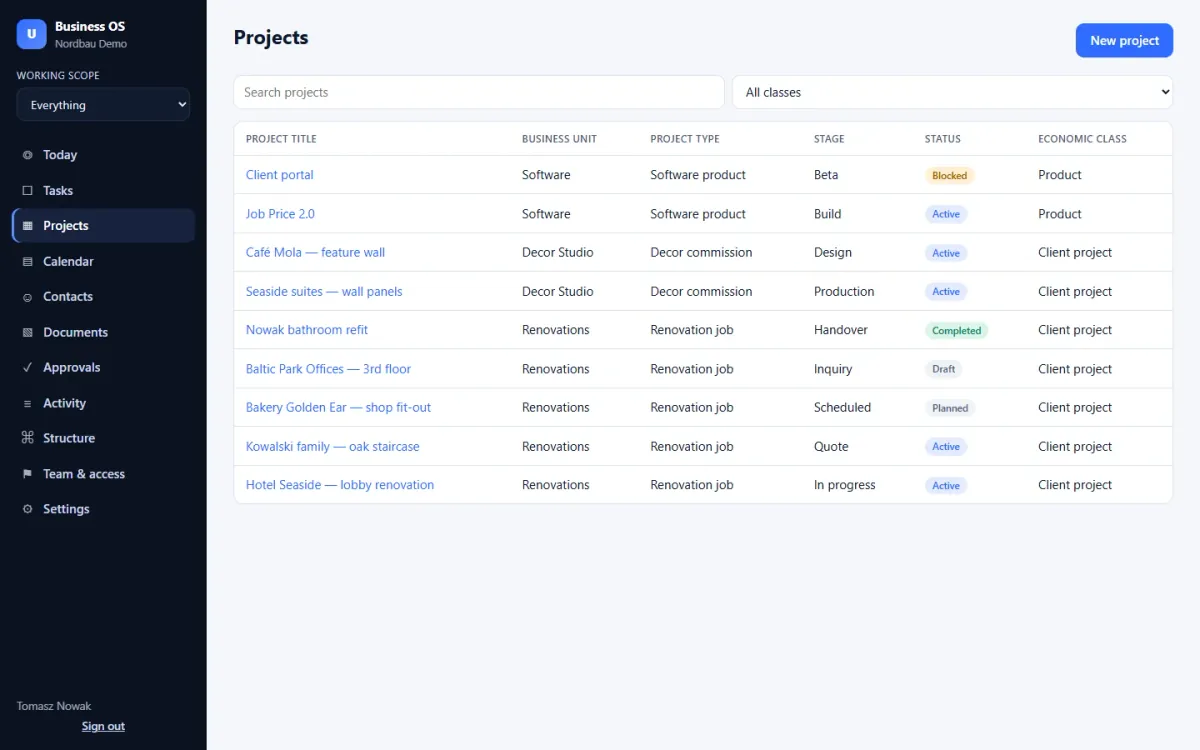
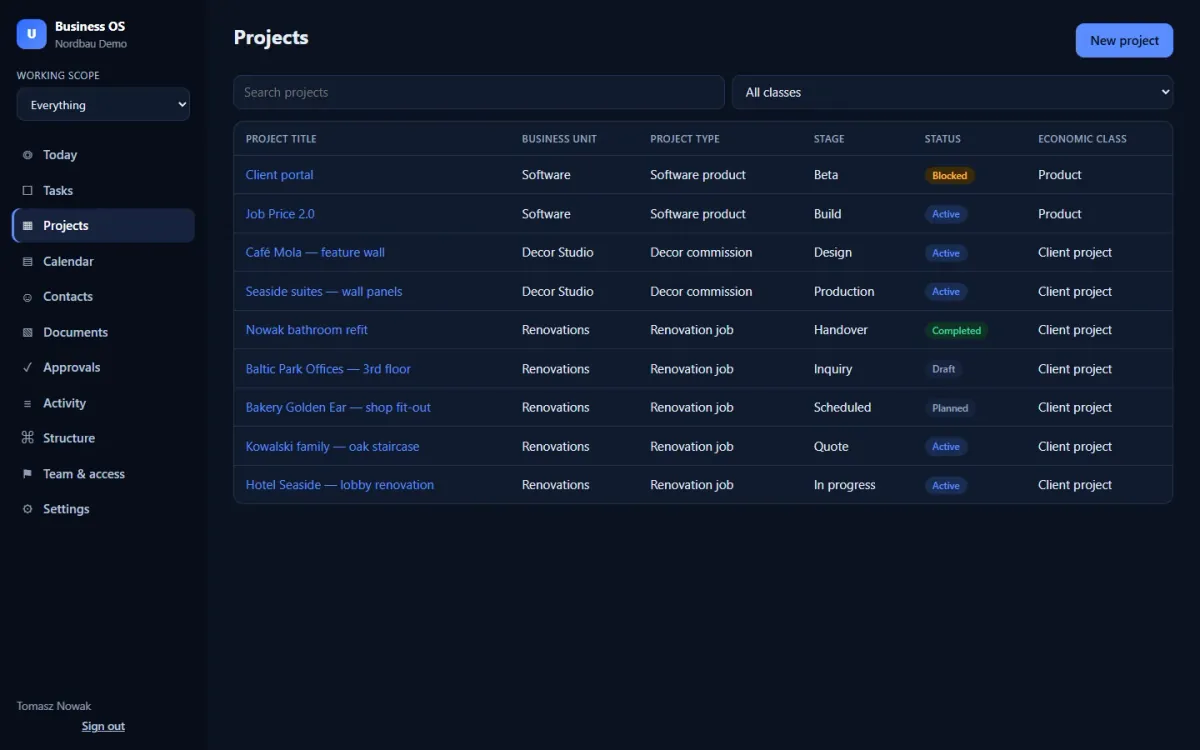
Projects across three business units with type, stage and status
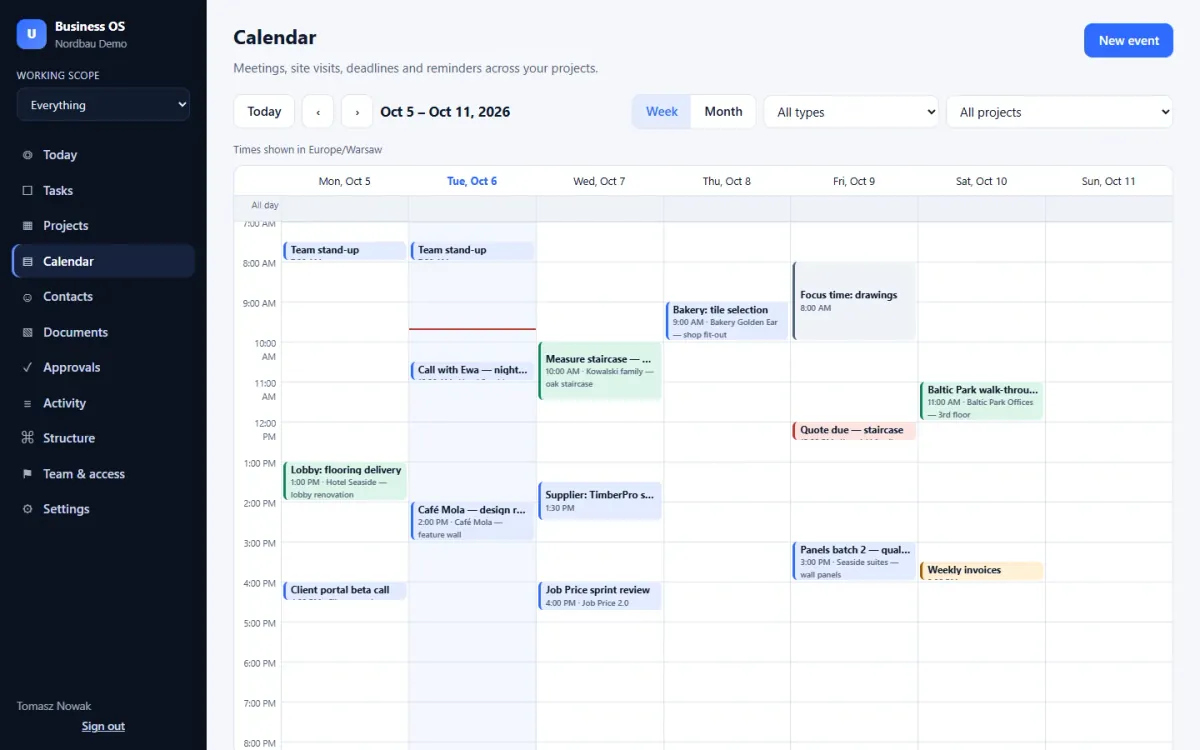
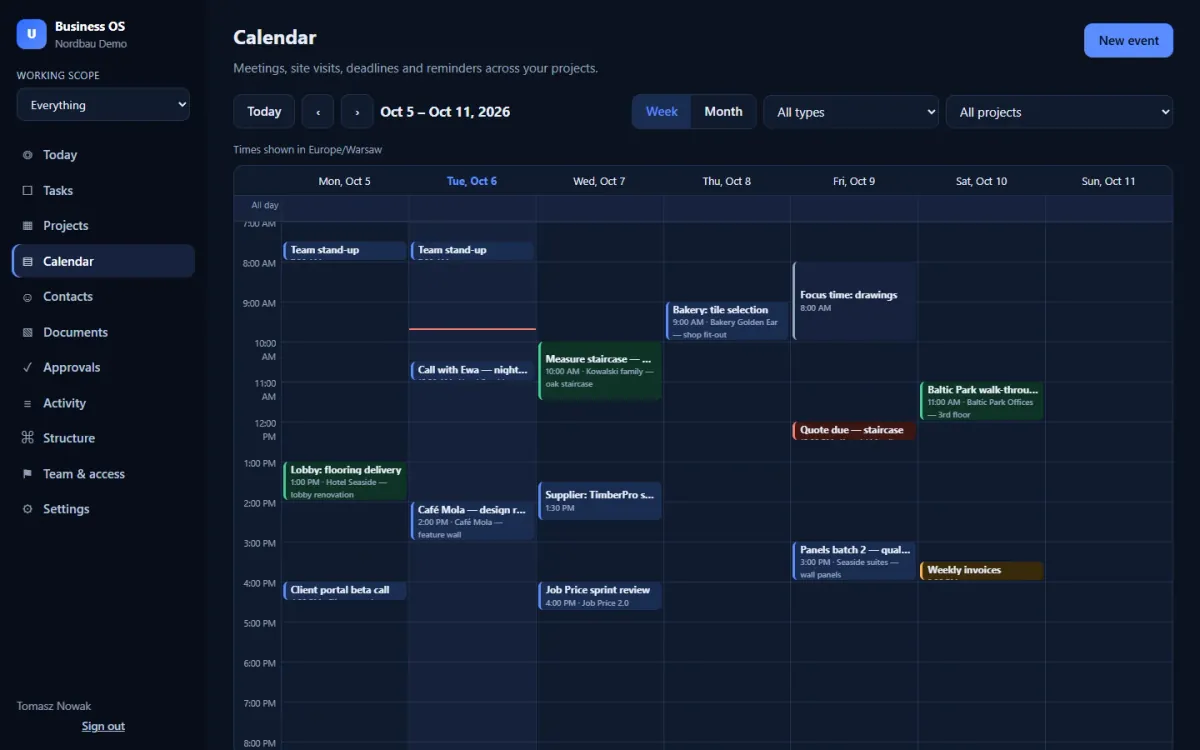
Week calendar with meetings, site visits, deadlines and focus blocks
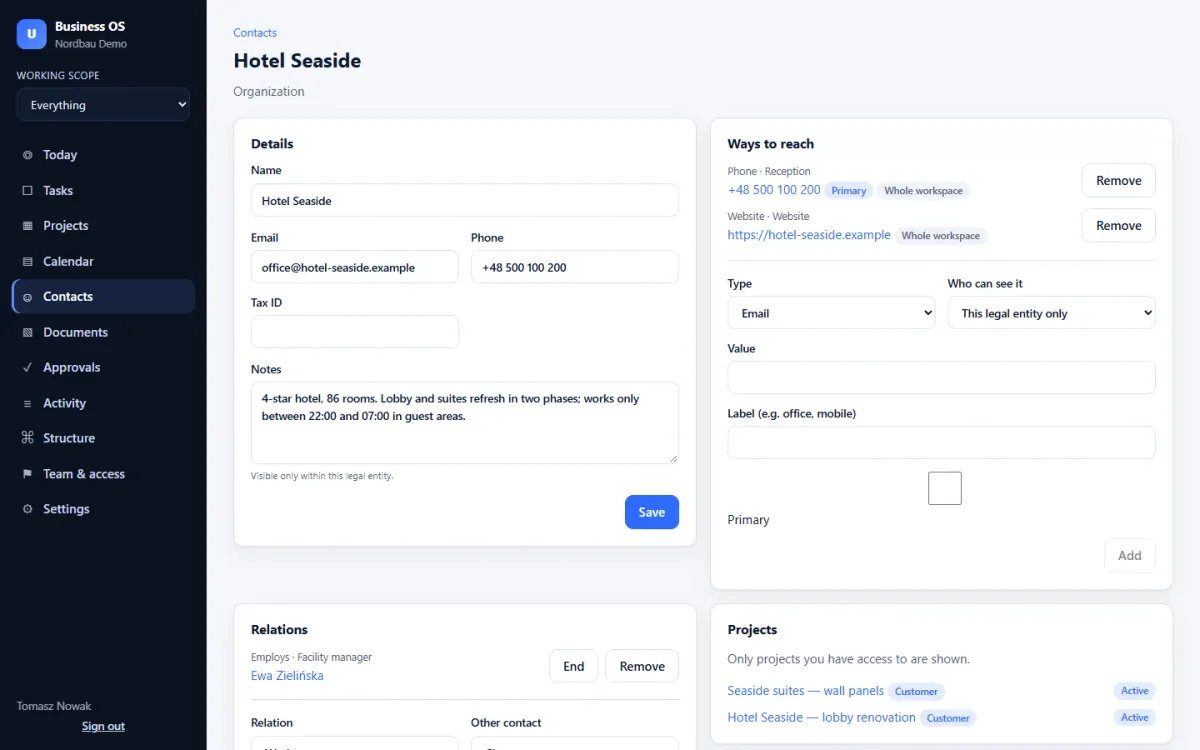
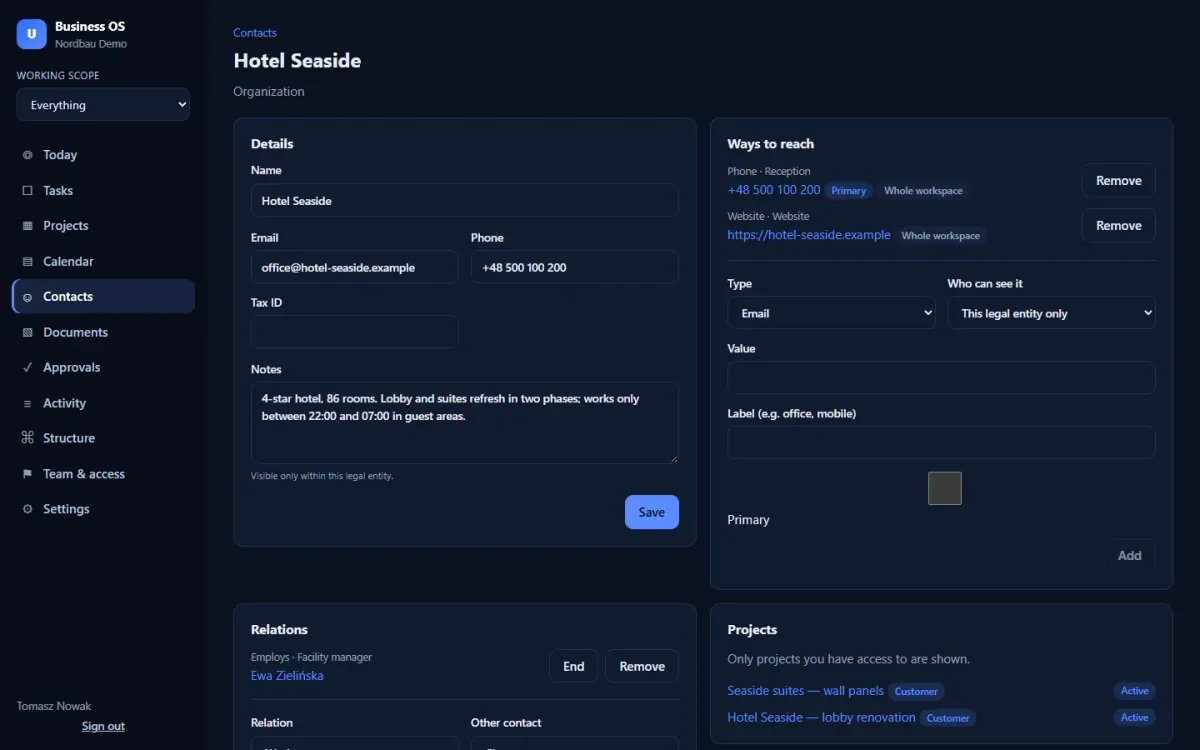
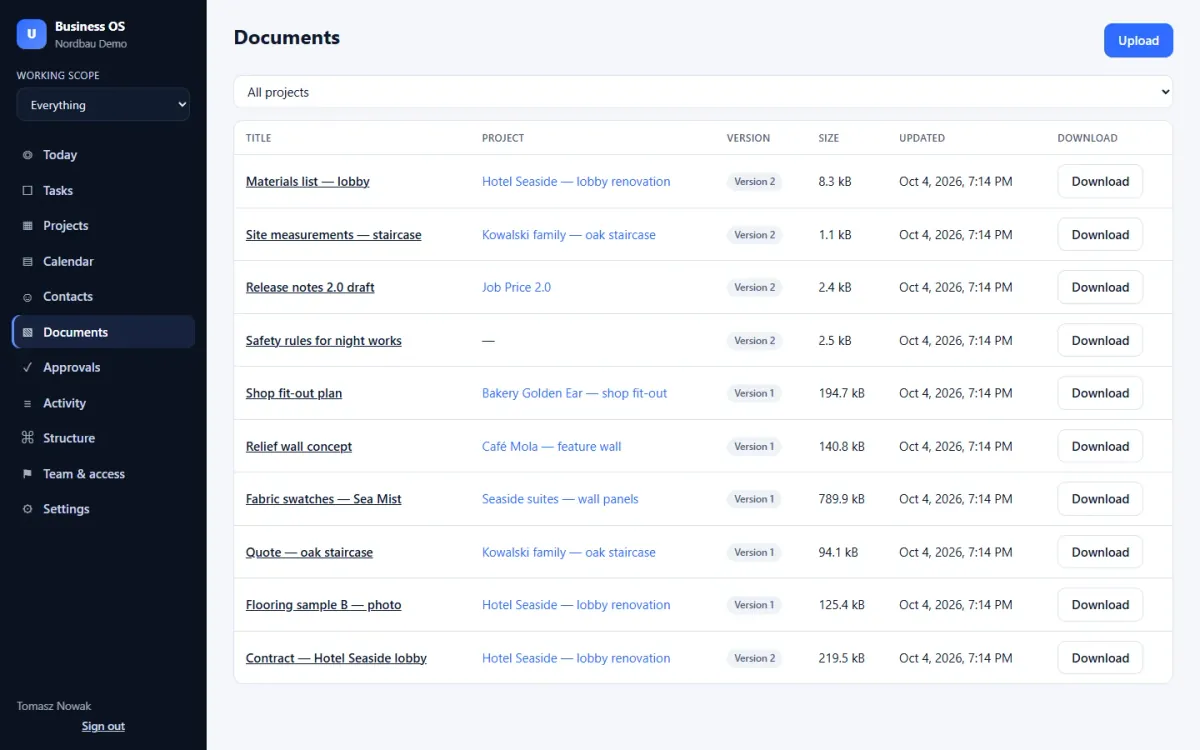
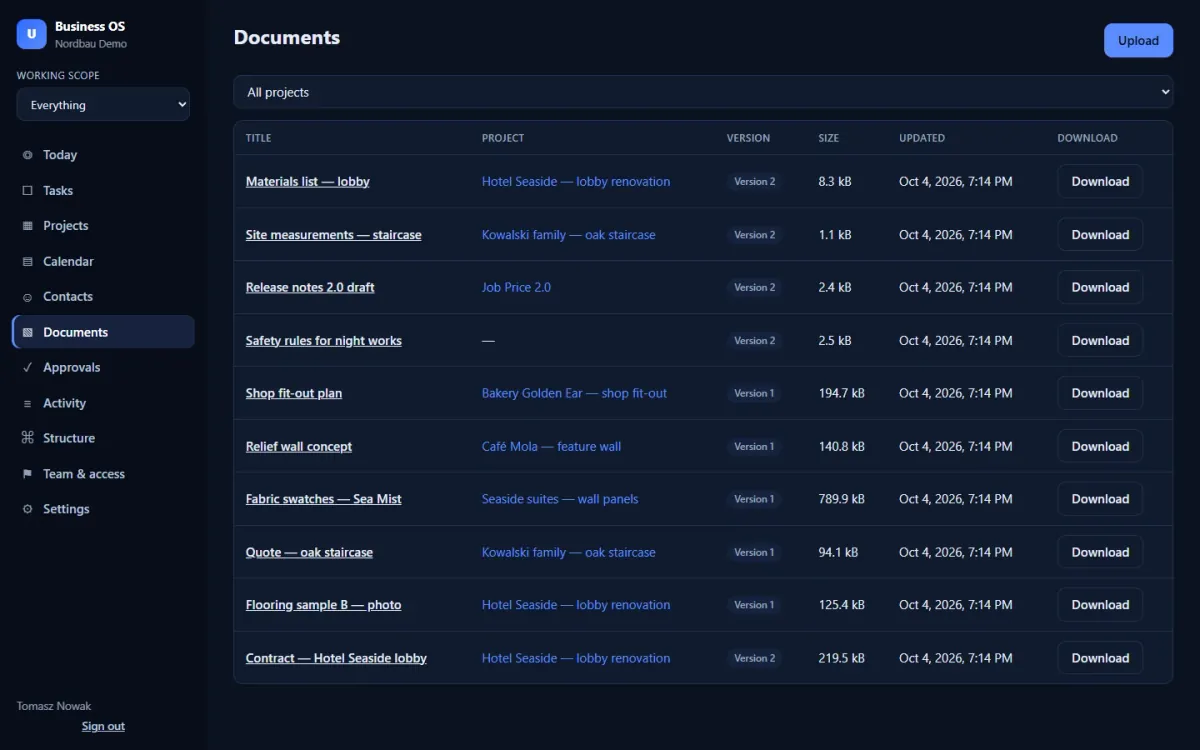
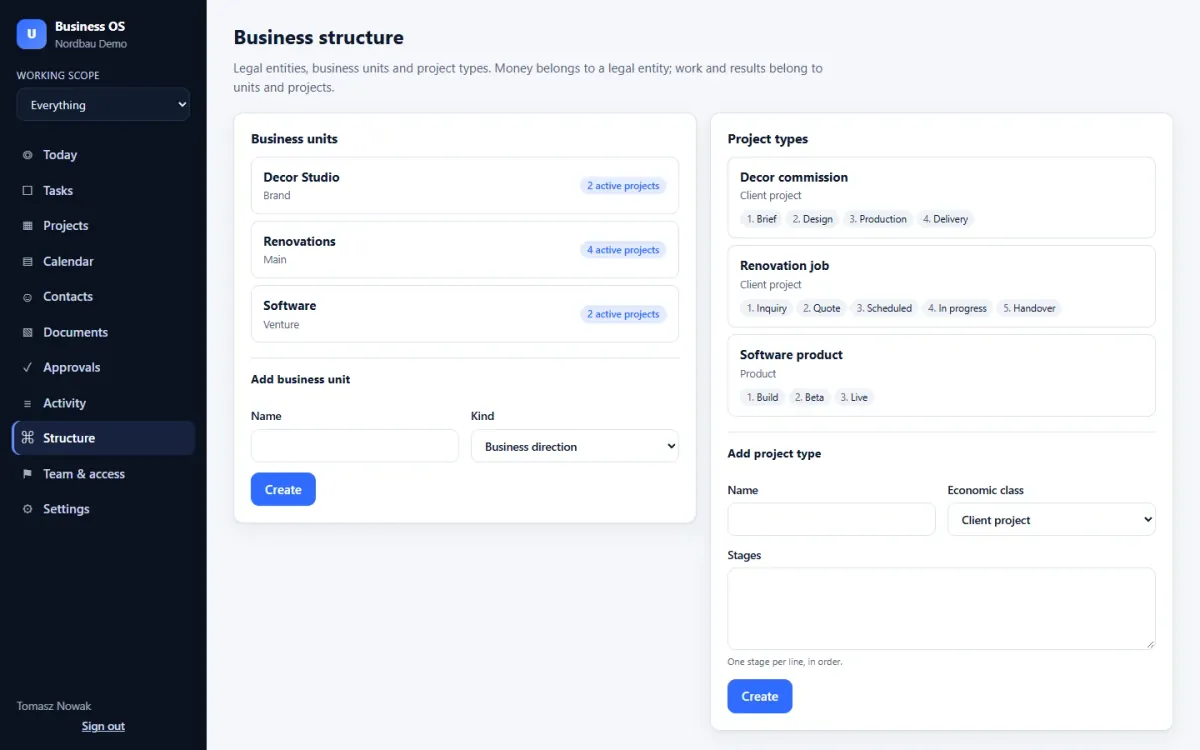
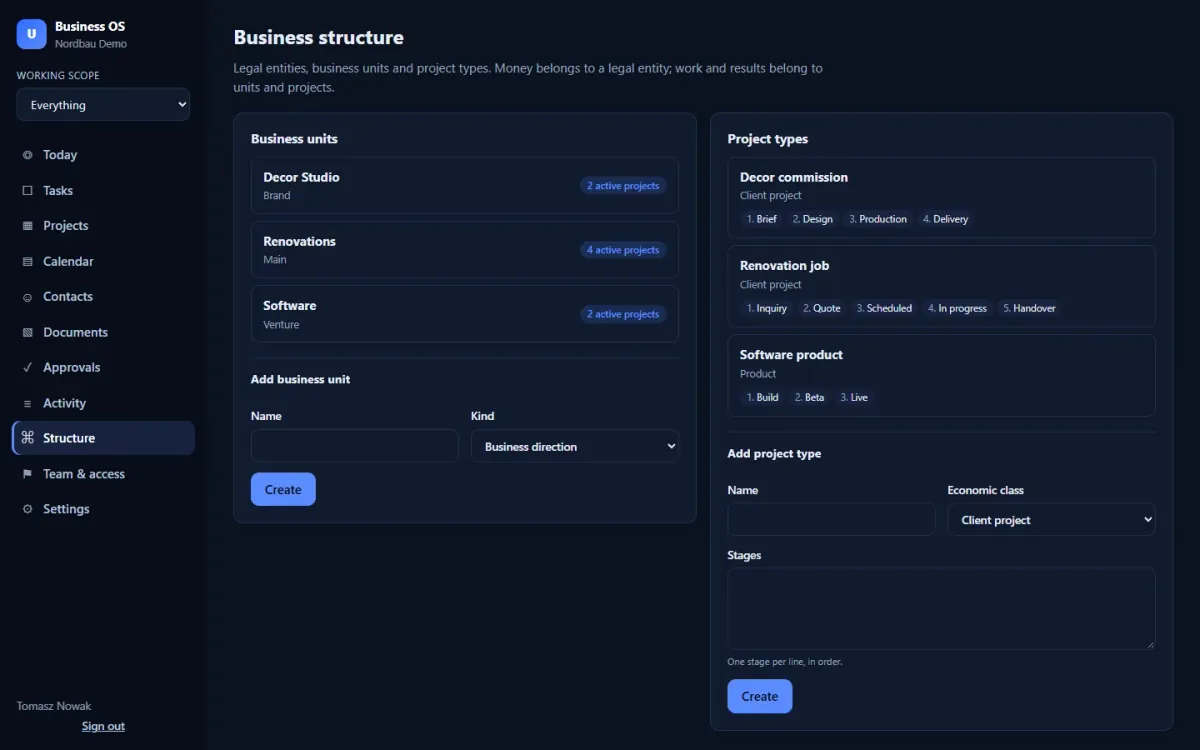
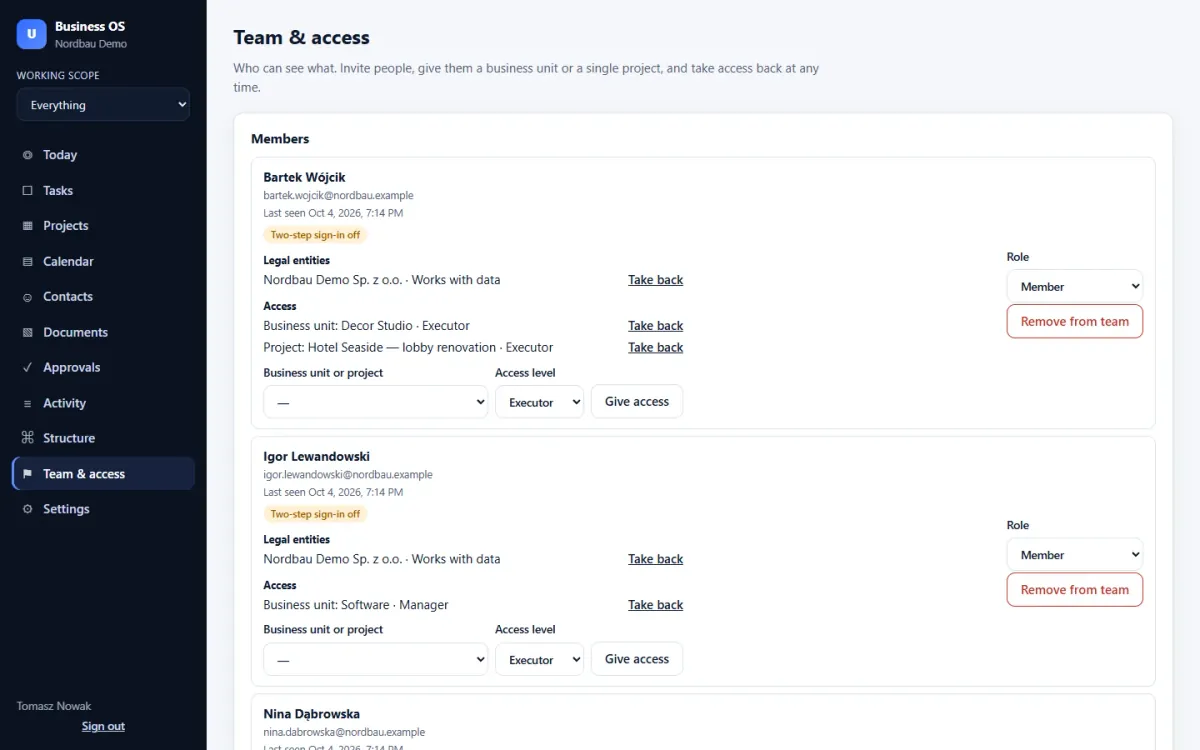
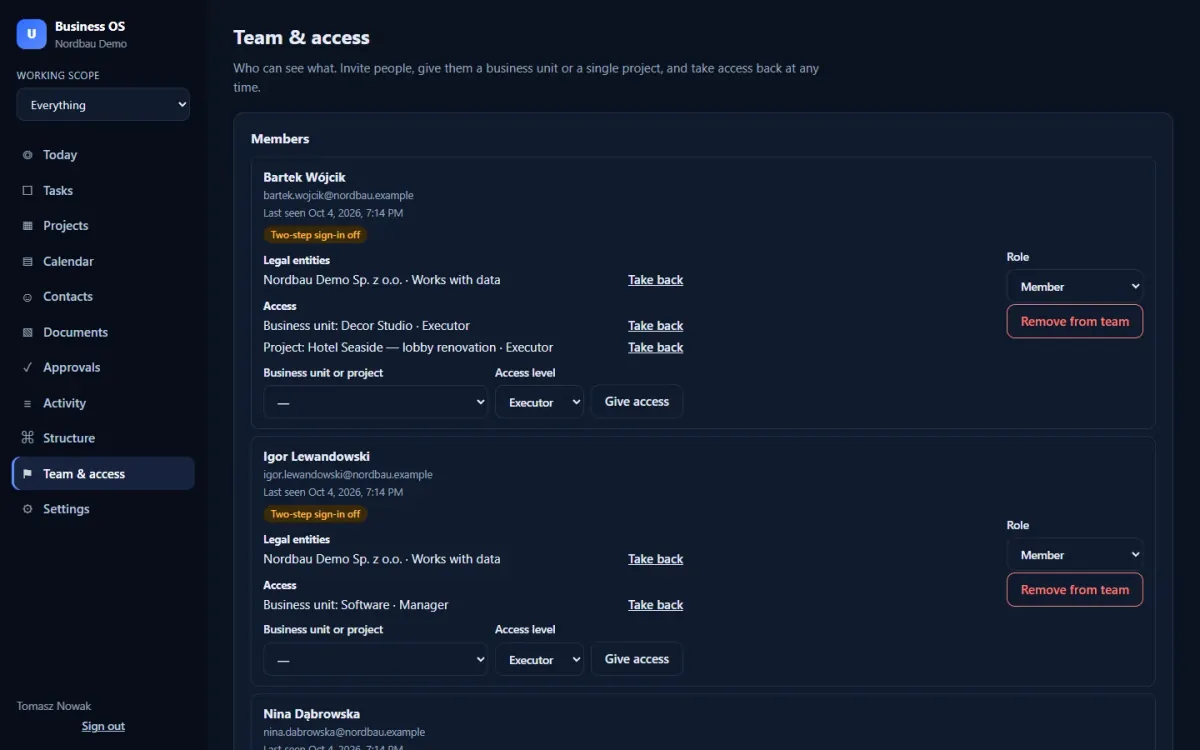
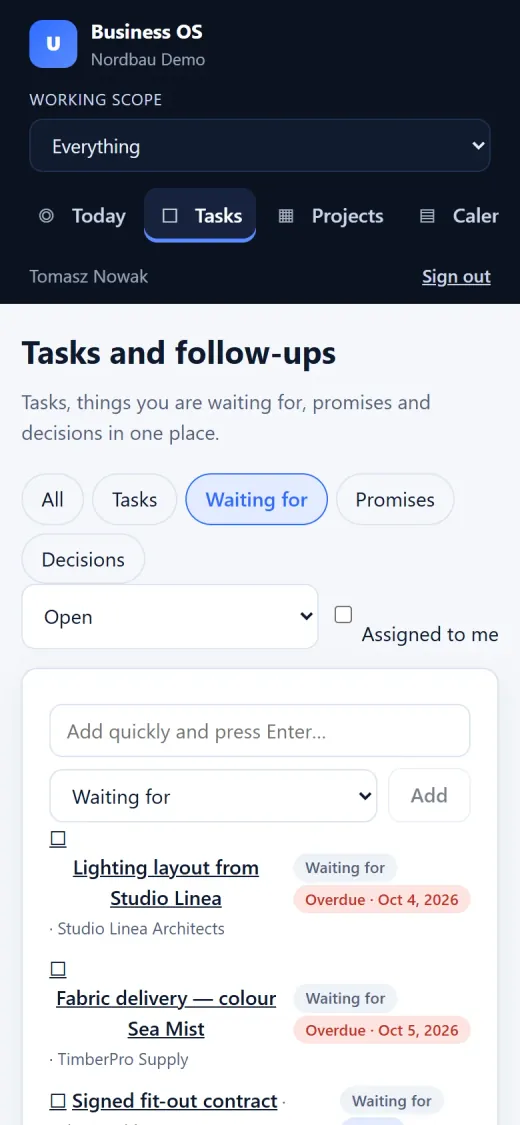
The same workspace on a phone screen. A more polished mobile experience is on the list below.
Coming next
No dates. We announce a module when it works.
Read emails and link them to projects and people. Sending comes later, always with your confirmation.
Sorts incoming work and drafts replies and reminders. A person always approves before anything happens.
Planning and an overview of the money side of each business unit.
A smoother experience on the phone for the team on the move.
Early access pricing
Net prices per month. Your price never goes up for as long as the subscription runs without a break.
1 user
€15per month, net
Later public price: €29
Start 14 days freeUp to 5 users
€29per month, net
Later public price: €59
Start 14 days freeUp to 20 users
€79per month, net
Later public price: €159
Start 14 days freeThe core works, and every screen on this page is the real app. You will meet bugs, interface changes and features that are not there yet. In return you get the early price and a direct line to the people building it.
Send the request form. Business OS is not open for self-sign-up yet, so we set up your company space personally and send your access within 1–2 working days. No card needed.
No. The trial is free for 14 days. Before it ends we agree on the plan and billing with you; nothing is charged automatically.
For the first 100 companies the net monthly price of the chosen plan stays the same for as long as the subscription runs without a break. VAT is added where the law requires it.
You pay 10 months and get 12: Solo €150, Team €290, Company €790 per year, net.
Owners of small companies with more than one line of business — for example a workshop, construction work and sales — who keep everything in their head and in chat apps.
In your own company space, separated from other companies. Sign-in with two-factor authentication, access per business unit or project, and an activity log of changes.
Yes. The trial simply ends, and a subscription only starts when you agree to it.
Early access
Business OS is not open for self-sign-up yet. Send the form and we set up your company space personally.
Try Business OS for 14 days with your own projects.