



Android app · UZYTAK Archive
Open ZIP, RAR and 7z on your phone — and pack files into ZIP
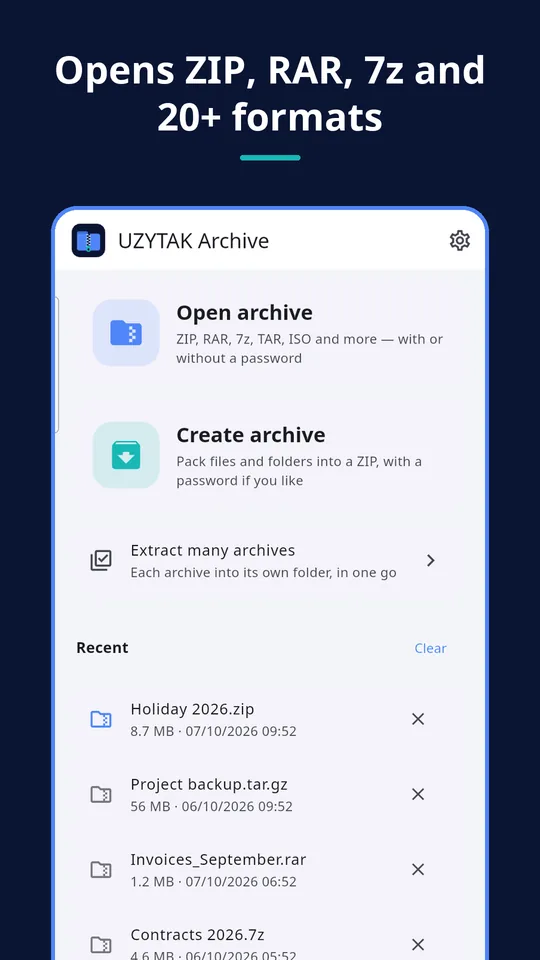
UZYTAK Archive opens any archive on your phone — ZIP, RAR, 7z and many more — and packs your files into a ZIP in a few taps.
No ads, no account, no subscription. Everything works offline, right on your phone.
- 20+ formats
- Passwords
- No ads, no account
- Works offline
- 10 languages
Android 8 or newer · your files stay on your phone
Every common archive format
Archives from Telegram, e-mail, the browser, Downloads or an SD card open in one tap.
- ZIP
- ZIPX
- RAR
- 7z
- TAR
- GZ
- TGZ
- BZ2
- XZ
- ZST
- LZ4
- LZMA
- ISO
- CAB
- ARJ
- LZH
- CPIO
- Z
- WIM
- APK
- JAR
- EPUB
- RAR 4 and RAR 5, also archives split into parts (.part1.rar, .7z.001, .z01)
- Old ZIP archives from Windows with Cyrillic or Polish names are shown correctly
- APK, JAR and EPUB open like any ZIP, so you can look inside
One app for every archive
Open RAR on Android
RAR 4 and RAR 5, also with a password and split into parts (.part1.rar).
Open 7z on Android
7z archives with LZMA, LZMA2 and other methods, also with hidden file names.
Unzip ZIP files
Normal ZIP, ZIP with an AES password and old ZIP files from Windows with Cyrillic or Polish names.
TAR.GZ, ISO and more
TAR, GZ, BZ2, XZ, ZST, LZ4, ISO, CAB, LZH, CPIO and APK/JAR/EPUB as ZIP.
Inside the app
Simple, and it does what you need
Open and extract
- From Telegram, e-mail, the browser or a file manager: tap the archive → "Open with" → UZYTAK Archive
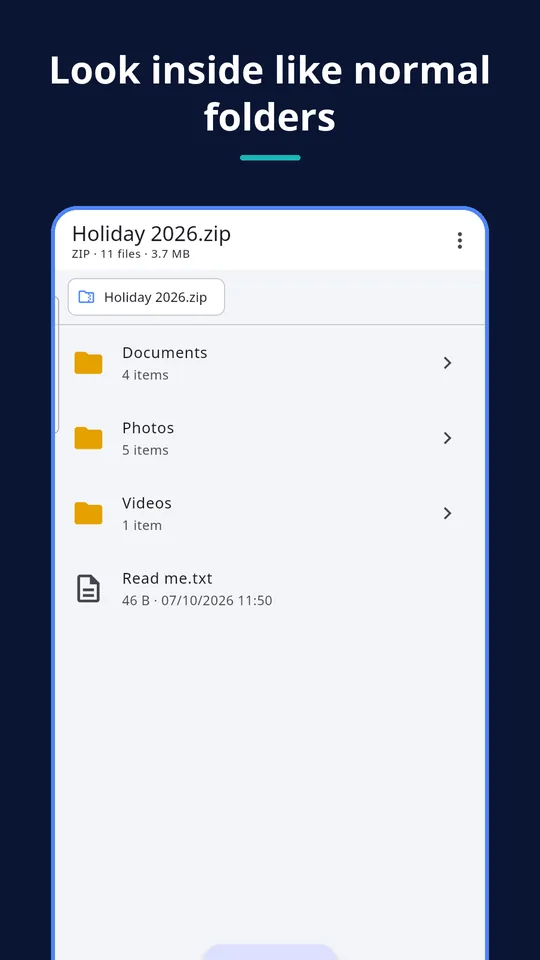
- Browse inside like normal folders before you extract anything
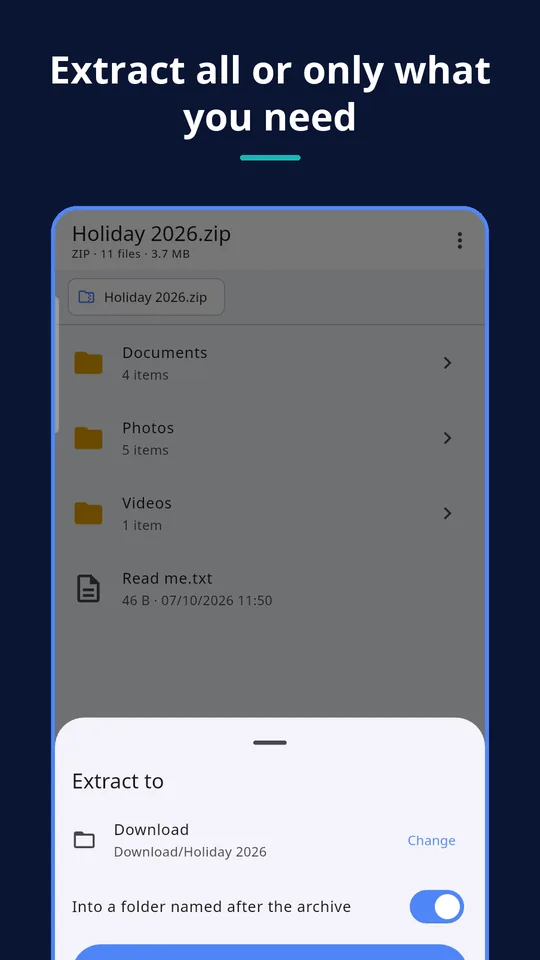
- Extract everything or only the files you select, into a folder you choose
- Look at photos and text files straight from the archive; other files open in the app you use for them
- Progress with a Cancel button; big archives keep going when you switch apps
Passwords
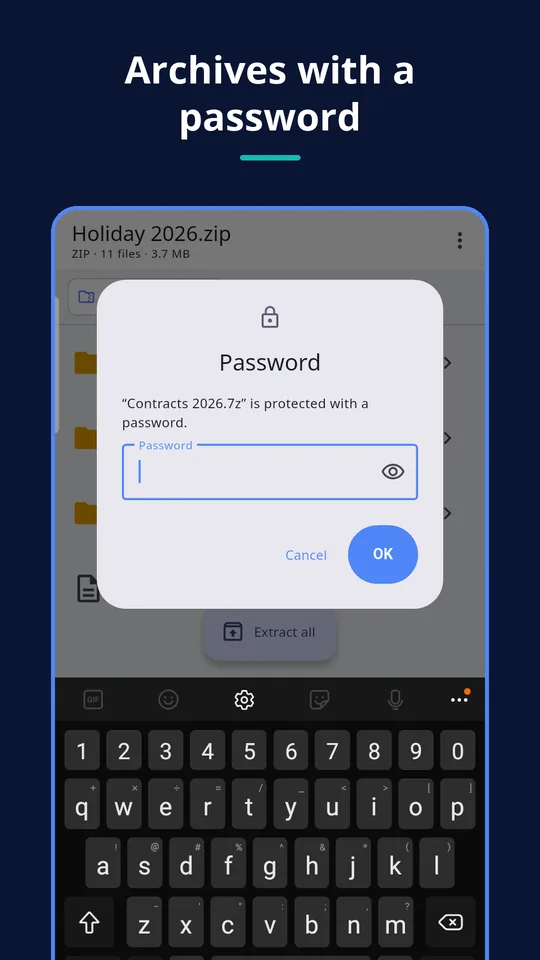
- Opens password-protected ZIP (AES and classic), 7z and RAR, also with hidden file names
- The password is used only on your phone and is never saved
Create archives
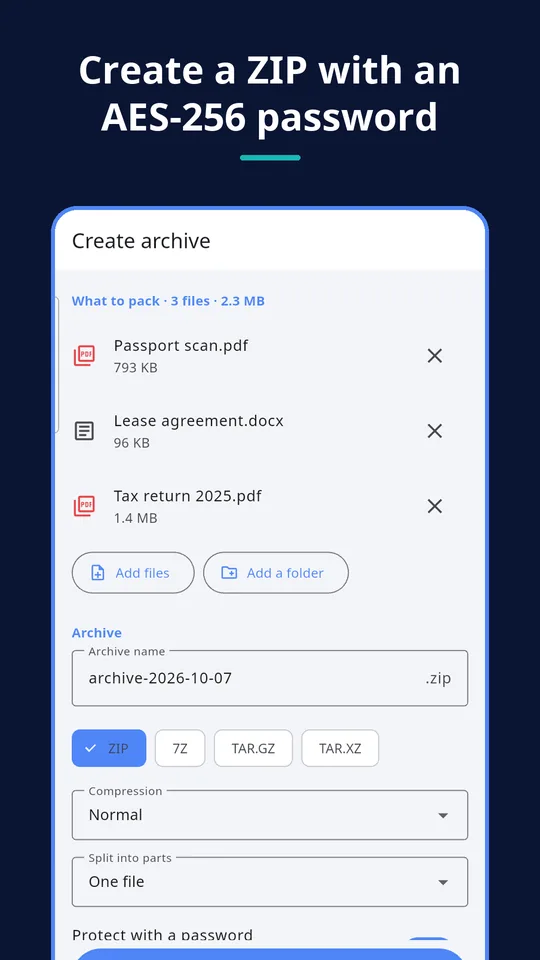
- Pack files and folders into a ZIP, name it and choose where to save it
- Protect it with an AES-256 password that opens in 7-Zip, WinRAR and other archivers
- Share the new archive straight to Telegram, e-mail or the cloud
Built on 7-Zip
Archives are read and created by the open-source 7-Zip engine. RAR archives can be extracted, not created.
How it works
1. Open the archive
Tap an archive in Telegram, e-mail or a file manager → “Open with” → UZYTAK Archive. Or tap “Open archive” in the app.
2. Look inside
Browse the folders, look at photos and texts, enter the password if the archive has one.
3. Extract or share
Extract everything or only what you selected into a folder you choose — or pack files into a new ZIP.
Good to know
- RAR archives can be opened and extracted, but not created (the RAR format does not allow it).
- The app works with files you open or share with it. It does not ask for access to all your storage.
- To extract, the app first unpacks into its own space on the phone and then copies the files to your folder, so there must be enough free space.
- A forgotten password cannot be recovered — not by the app and not by us.
Free and Pro
| Free | Pro | |
|---|---|---|
| Open and extract all formats, RAR included | ✓ | ✓ |
| Archives with a password | ✓ | ✓ |
| Look at photos and texts inside | ✓ | ✓ |
| Create ZIP with an AES-256 password | ✓ | ✓ |
| No ads, no limits | ✓ | ✓ |
| Create 7z, TAR.GZ and TAR.XZ | — | ✓ |
| Maximum compression, split into parts | — | ✓ |
| Extract many archives at once | — | ✓ |
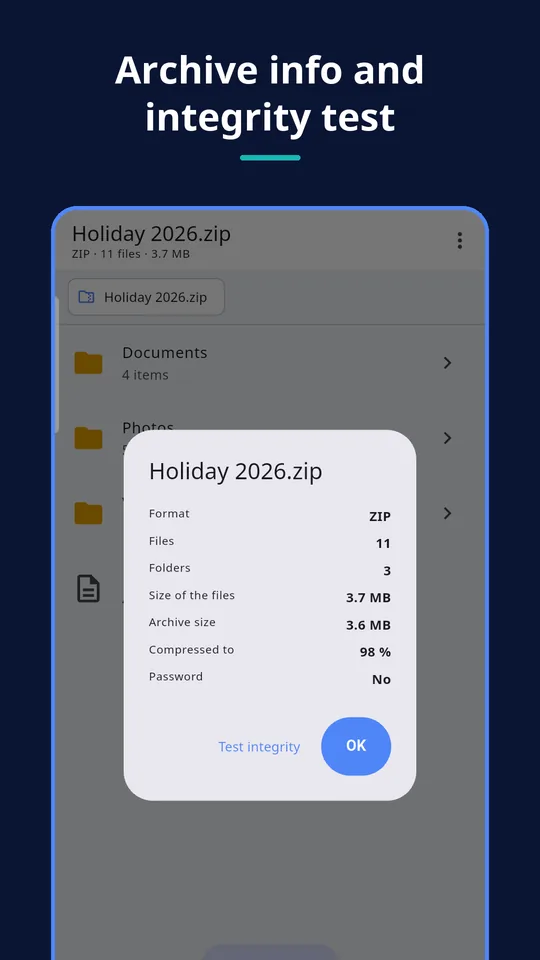
| Integrity test, archive info, colour themes | — | ✓ |
Free
open and extract every format, passwords, preview, create ZIP with a password — no limits and no ads
Coming to Google PlayPro
create 7z, TAR.GZ and TAR.XZ, maximum compression, split into parts, extract many archives at once, integrity test and archive info, colour themes — and you support a small developer
Coming to Google PlayPro is one payment in Google Play — no subscription. Google Play shows the price in your currency.
Your files stay yours
No account, no ads, no analytics, no internet needed. Your files stay on your phone and are never uploaded. The app works only with the files you open or share with it — it does not ask for access to all your storage.
Questions or ideas?
Write to us — a small team answers in your language and adds what users ask for.
Questions
Which formats does UZYTAK Archive open?
ZIP, ZIPX, RAR (4 and 5), 7z, TAR, GZ, TGZ, BZ2, XZ, ZST, LZ4, LZMA, ISO, CAB, ARJ, LZH, CPIO, Z, WIM, and APK, JAR and EPUB like a ZIP.
Can it open archives with a password?
Yes: ZIP (AES and classic), 7z and RAR, also archives whose file names are hidden. The password is used only on the phone and not saved.
Can it create RAR archives?
No. RAR can only be extracted. To pack files, the app creates ZIP (free) or 7z, TAR.GZ and TAR.XZ (Pro).
The archive is split into parts. What do I do?
Tap “Open archive” and select all parts at once (.part1.rar, .part2.rar … or .7z.001, .7z.002 …). The app then opens the whole set.
Are there ads or a subscription?
No ads and no subscription. Everything for opening and extracting is free; Pro is a single payment for extra features.
Does it need internet or an account?
No. Everything works offline without an account. The internet is only used when you buy Pro in Google Play.
UZYTAK Archive · Android · support@uzytak.com · Privacy Policy