



WordPress plugin · AI upscaling in the browser
Small, blurry images — big and sharp, right in WordPress
Product photos from suppliers, old pictures, logos from a client's e-mail: open Media → Upscale with AI, choose 2× or 4× and save the result as a new image. The AI runs on your own computer — no cloud service, nothing to pay per image.
- Free plugin
- No credits, no API key
- Images stay on your computer
- 10 languages
- Pro: pay once
WordPress 6.3+ · current Chrome, Edge, Firefox or Safari · fastest with a graphics card (WebGPU)
A real result
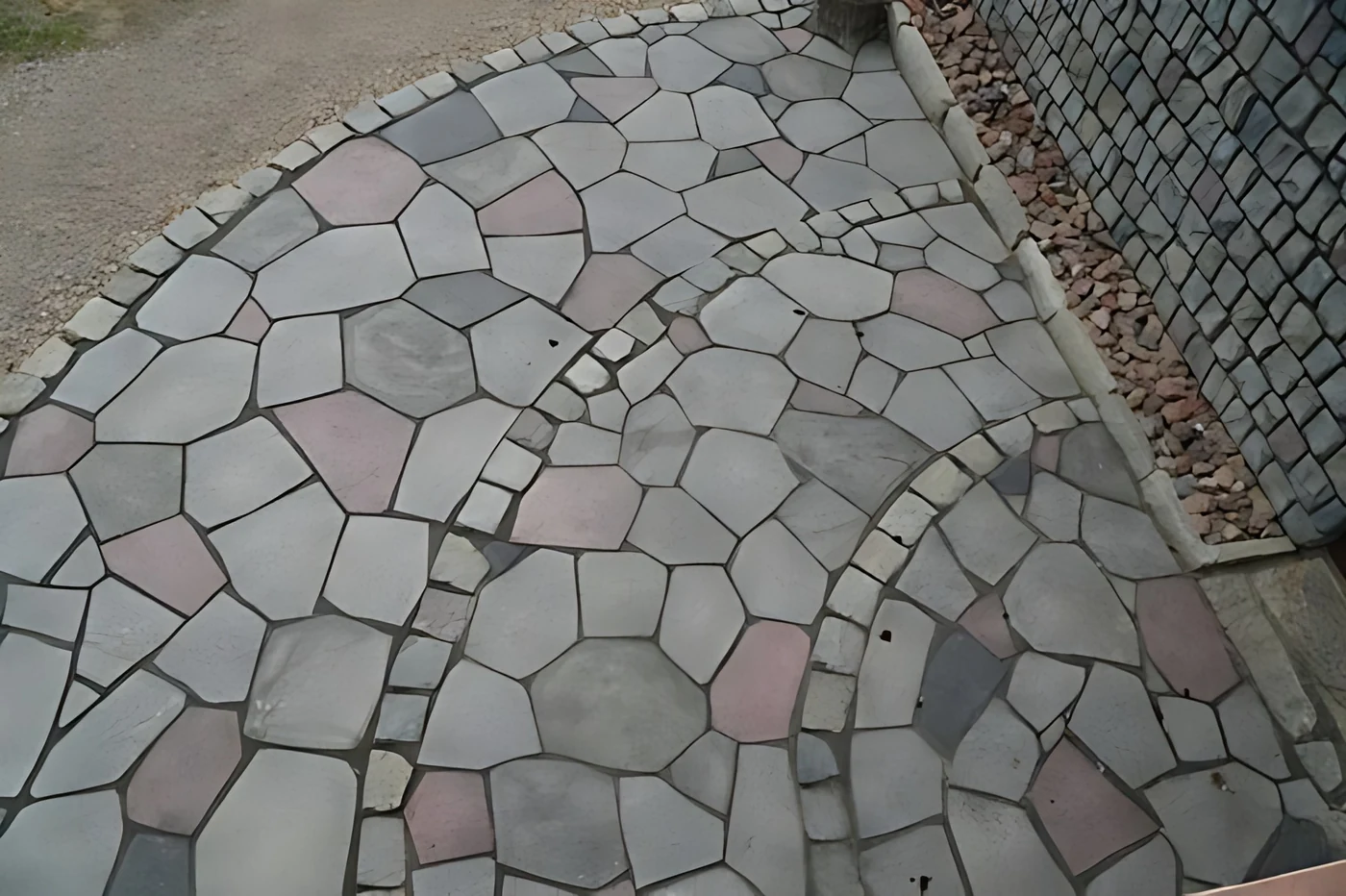
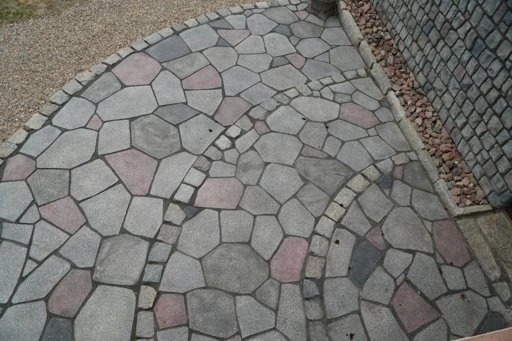
This photo was 512 × 341 px. The plugin made it 2048 × 1364 px in 3 seconds. Move the slider.
What it does
2× and 4× with AI
Real-ESRGAN, a well-known open AI model for photos and graphics, the same as in our Android and Windows apps.
Runs in your browser
The model works on your graphics card or processor. The image is not sent to any AI service.
Nothing is overwritten
The result is saved as a new image in the Media Library; title and alt text are copied.
Before / after slider
Compare the result with the original before you save it.
WebP, JPEG or PNG
Keep the original format or save as WebP with a quality setting — smaller files for a faster site.
Right where you work
Media → Upscale with AI, a link under every image in the Media Library and a button in the image details.
How it works
1. Install
Plugins → Add New → Upload Plugin → choose the .zip → Activate.
2. Choose an image
In the Media Library click “Upscale with AI”, or open Media → Upscale with AI.
3. Enlarge and save
Choose 2× or 4×, press Start, compare, and save to the Media Library.
Free and Pro
| Free | Pro | |
|---|---|---|
| AI upscaling 2× and 4× | ✓ | ✓ |
| Fast AI model (good for most photos) | ✓ | ✓ |
| Best-quality AI model: sharper details, cleaner edges | — | ✓ |
| Batch: many images at once from Bulk actions | — | ✓ |
| Before / after slider, WebP / JPEG / PNG | ✓ | ✓ |
| 10 languages, updates | ✓ | ✓ |
Prices
Pay once — no subscription, no credits, updates included.
Pro · up to 10 sites
- Everything in Pro
- Up to 10 websites
- For web studios and shops
Online checkout opens soon. Until then, write to us and we will send the invoice and the Pro file the same day.
Good to know
- Speed depends on the computer: with a graphics card (WebGPU) a photo takes seconds; on the processor a large image can take a few minutes.
- The result must fit your site's upload limit. Save big results as WebP or JPEG.
- Maximum result 64 megapixels (for example 8000 × 8000 px). For bigger images choose 2×.
- Images stored on a CDN or another server may need to be downloaded and uploaded again.
- AI makes images sharper, but it cannot invent details that were never there — text that is unreadable stays unreadable.
More plugins for websites
UZYTAK Material Calculator
Paint, tiles, flooring, drywall, plaster and skirting — visitors get a shopping list in whole packs.
Have a lookUZYTAK Instant Quote
Your price list on your website: visitors tick the work, enter quantities and see the price at once.
Have a lookUZYTAK Social Sizes
One photo, every size: Instagram, Facebook, Pinterest, YouTube, link previews and banners — the main subject always stays in frame.
Have a lookUZYTAK Warranty Registration
Customers register their heat pump, PV system or windows on your site — you see the warranty end and the next service.
Have a lookUZYTAK KSeF Invoices for WooCommerce
Polish e-invoices for WooCommerce: NIP at checkout, FA(3) XML for KSeF and a printable invoice; Pro sends straight to KSeF.
Have a lookUZYTAK Image Optimizer
Compress images and make WebP copies right in your browser — no credits, restorable originals.
Have a lookUZYTAK Cookie Consent
Lightweight cookie banner with Google Consent Mode v2, four categories and script blocking until consent.
Have a lookUZYTAK Booking
Appointment booking for service businesses: services, hours, free slots and e-mails with a calendar file.
Have a lookQuestions?
Write to us — we answer in your language.
Questions
Is the image sent to a server?
No. The AI model runs in your browser. The only upload is the finished image to your own Media Library.
Do I pay per image?
No. There are no credits and no limits. The free plugin is free for good; Pro is one payment.
Which browser do I need?
A current Chrome, Edge, Firefox or Safari. Chrome and Edge on a computer with a graphics card are the fastest.
Does it change my original image?
No. The result is always a new image; the original stays untouched.
What is the difference between Fast and Best quality?
Fast is a small model that works well on most photos and graphics and runs on any computer. Best quality (Pro) is a larger model with sharper details; it is slower and works best with a graphics card.
Is there an app as well?
Yes, UZYTAK Upscale for Android and Windows — the same AI, for photos on your phone or PC.
UZYTAK Upscale for WordPress · 1.0.0 · UZYTAK Upscale app (Android, Windows) · Also for websites: UZYTAK Material Calculator · support@uzytak.com