



Android app · UZYTAK CV
Your CV for the country you apply in — on your phone, pay once
Pick the country, pick the language of the CV and fill in the sections. The app follows the rules of each format — RODO clause for Poland, tabular Lebenslauf with signature for Germany, no photo for the UK — and makes a PDF with a cover letter.
- Free: 1 CV with cover letter
- No subscription
- No ads, no account
- Works offline
- 10 languages
Android 8 or newer · everything stays on your phone, the app sends no CV data anywhere
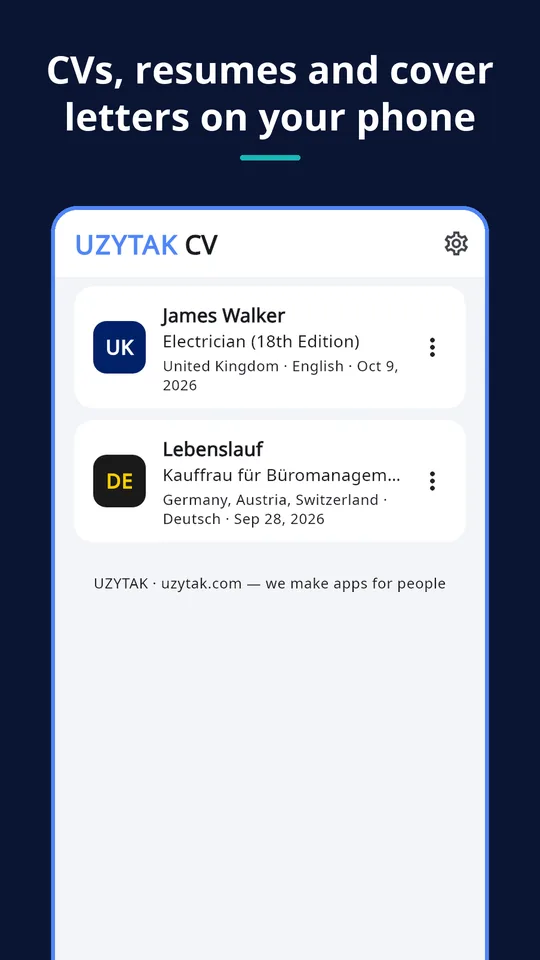
Inside the app
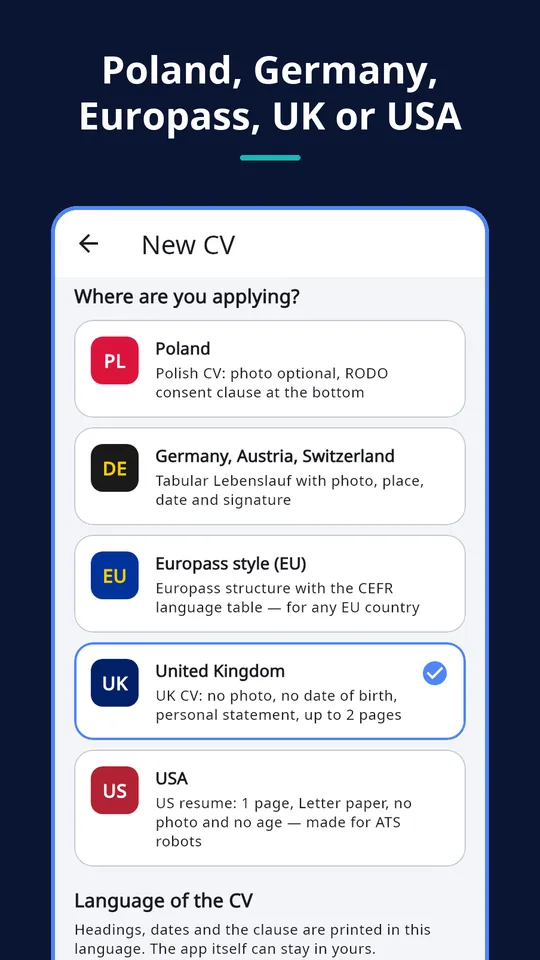
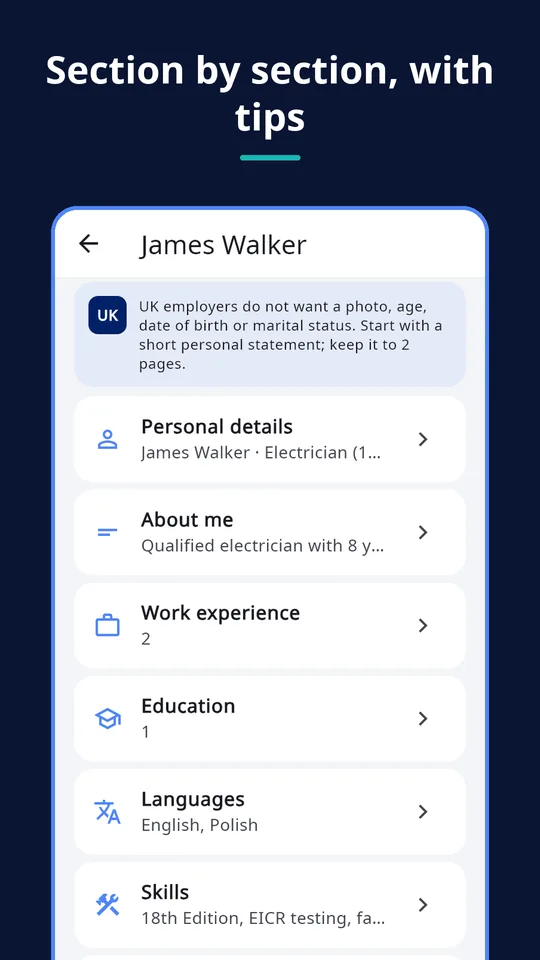
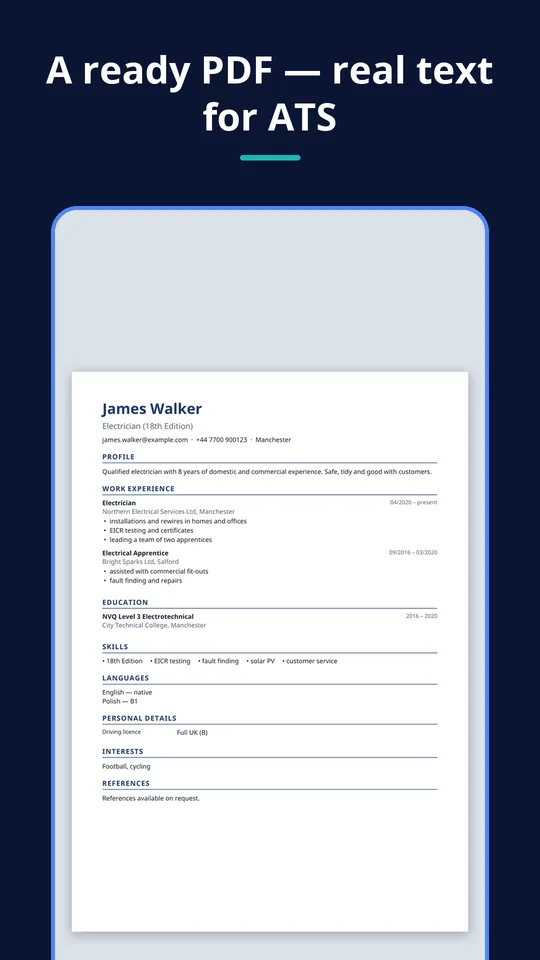
One app, five formats
Each country expects something different. The app shows the rules of the chosen format and hides what does not belong there.
Poland
Polish CV with an optional photo and the RODO consent clause at the bottom.
Germany, Austria, Switzerland
Tabular Lebenslauf with photo, and place, date and signature (Ort, Datum, Unterschrift).
Europass-style
Europass-style structure for any EU country, with the CEFR language table (A1–C2).
United Kingdom
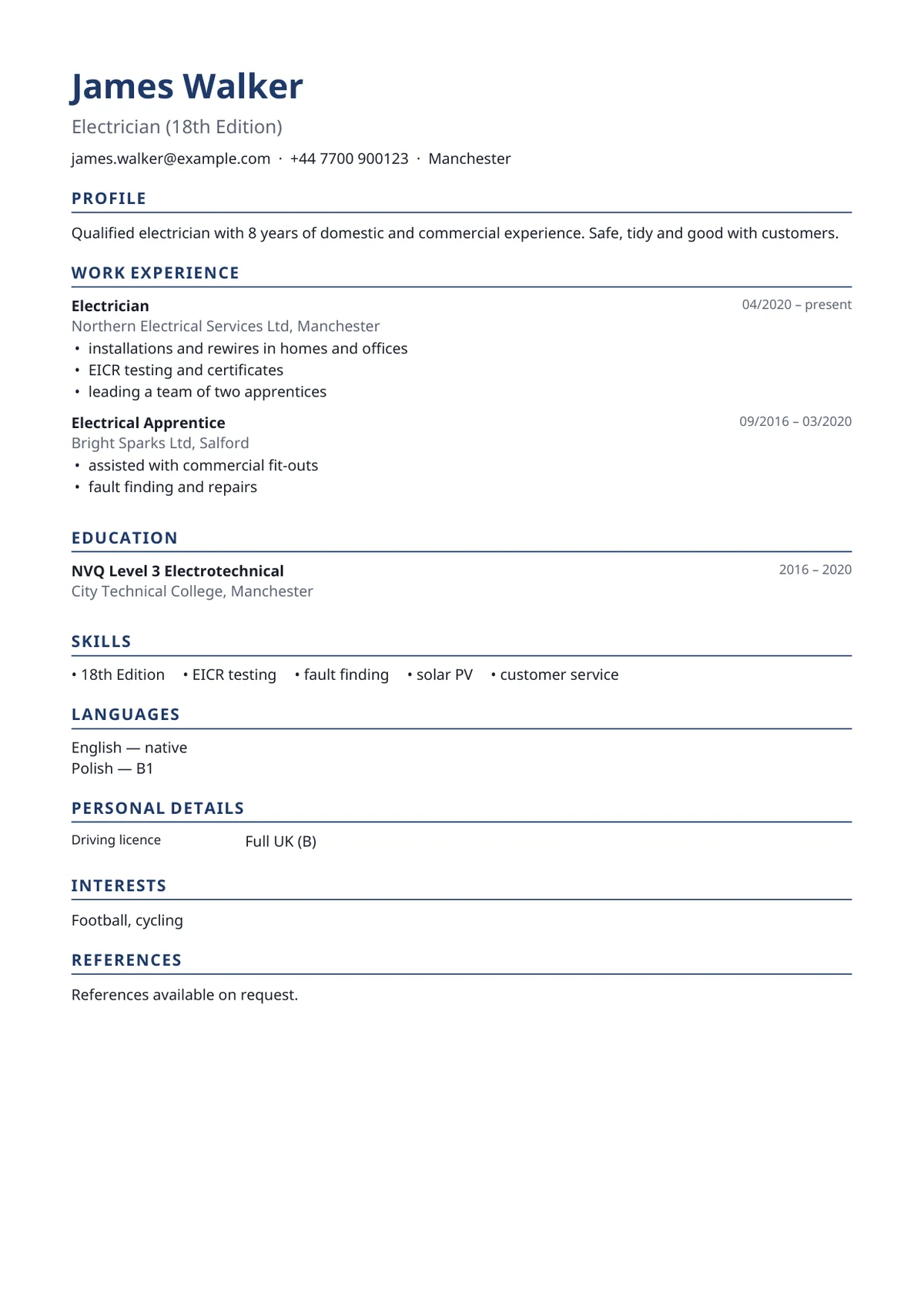
UK CV without photo and date of birth, with a personal statement.
USA
US resume on one page, Letter paper, no photo.
UZYTAK CV is not affiliated with Europass, the EU or any employer.
What you can do
CV language separate from app language
Use the app in your language and print the CV in another one. Headings, dates and clauses follow the CV language — 10 languages.
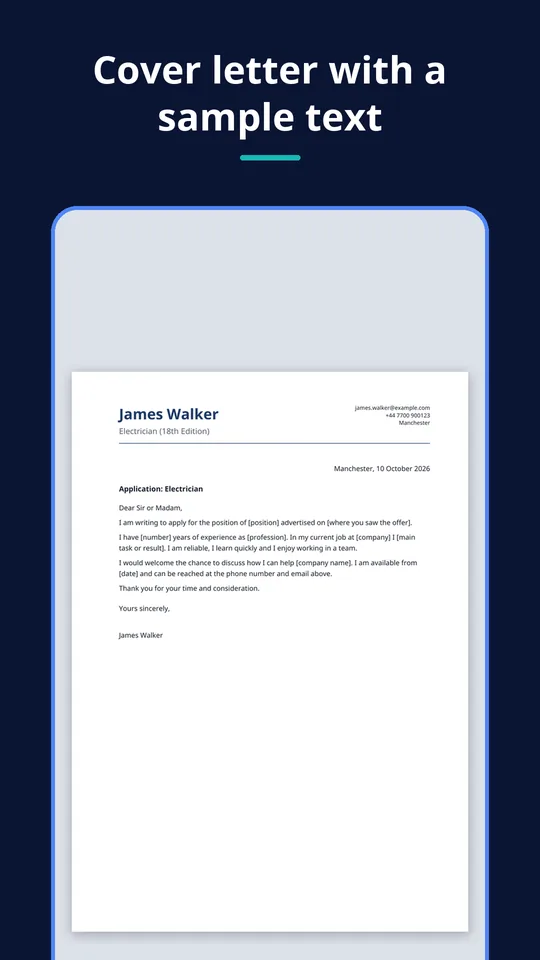
Cover letter
A cover letter for every CV, with a sample text in the CV language to start from.
Photo crop 3:4
Take a photo or pick one from the gallery and crop it to the usual 3:4 CV photo — only where the format expects a photo.
Real text PDF
The PDF contains real text, not a picture, so applicant tracking systems (ATS) can read it.
Plain text export
Copy the CV as plain text for job sites that only have a text box.
Your data stays with you
No account, no cloud: the CV lives on your phone, and you decide who gets the PDF.
A CV that looks right in every country
The app turns what you entered into a tidy PDF in the right format and language. Share it straight from the phone — by e-mail, a messenger or a job site — or print it.
- Headings, dates and clauses in the language of the CV
- A4 for Europe, Letter for the USA
- Real text that ATS systems can read
- Free version: a small “UZYTAK CV · uzytak.com” line at the bottom
PRO Modern and Table looks, 7 colours.
How it works
1. Choose country and language
Where are you applying, and in which language should the CV be printed?
2. Fill in the sections
The checklist shows what this format needs. Add a photo where it is expected.
3. Share the PDF
CV and cover letter as PDF, or the CV as plain text — sent from your phone by you.
Good to know
- The app works offline and without an account. The internet is used only for the Google Play purchase and, if you enter one, a partner promo code.
- Your CVs live on one phone. There is no cloud and no sync between devices.
- Moving to a new phone needs the Pro backup file (export, then import).
- The Europass-style format follows the Europass structure; it is not the official Europass service.
- Free version: one CV with its cover letter, every format and language, the Classic look.
The app sends nothing by itself: PDFs and text leave the phone only when you share them through Android's share menu.
Free and Pro
| Free | Pro | |
|---|---|---|
| CVs, each with its cover letter | 1 | Unlimited |
| All formats and 10 CV languages | ✓ | ✓ |
| Classic look, PDF and plain text | ✓ | ✓ |
| Modern and Table looks, 7 colours | — | ✓ |
| “UZYTAK CV · uzytak.com” line in the PDF | Small line at the bottom | No line |
| Backup and moving to a new phone | — | ✓ |
Nothing you entered is ever locked: a second CV opens the Pro offer, your first CV keeps working.
Pay once, no subscription
Many CV sites start with a cheap trial and then charge every 4 weeks. UZYTAK CV does not: the free version makes a complete CV with a cover letter, and Pro is a single payment in Google Play — never a subscription.
Free
- 1 CV with its cover letter
- All formats and 10 CV languages
- Classic look, PDF and plain text
Pro
- Unlimited CVs — a copy for each job and language
- Modern and Table looks, 7 colours
- Backup and moving to a new phone
Questions or ideas?
Write to us — we answer in your language and add what job seekers ask for.
Questions
Is there a subscription?
No. The free version stays free, and Pro is a single payment in Google Play. Nothing renews and nothing is charged every month or every 4 weeks.
What does the free version include?
One CV with its cover letter, every format and all 10 CV languages, the Classic look, PDF and plain text. The PDF has a small “UZYTAK CV · uzytak.com” line at the bottom.
Is this the official Europass CV?
No. The app makes a Europass-style CV that follows the Europass structure, including the CEFR language table. UZYTAK CV is not affiliated with Europass, the EU or any employer.
Can the CV be in a different language than the app?
Yes. The app language and the CV language are chosen separately. For example, use the app in Ukrainian and print the CV in Polish or German.
Can applicant tracking systems (ATS) read the PDF?
The PDF contains real text, not an image, so ATS software can read it. For job sites with only a text box, copy the CV as plain text.
How do I send my CV?
Share the PDF from the app through Android's share menu — e-mail, a messenger, a cloud drive or a job site app — or print it. The app itself sends nothing.
Where is my data stored?
Only on your phone. There is no account and no cloud. With Pro you can export a backup file and import it on a new phone; Restore purchase brings Pro back with the same Google account.
UZYTAK CV · Android · support@uzytak.com · Privacy Policy