



Mixed reality app · Meta Quest
Your sketch on the real wall. Trace it with chalk, paint without the headset
UZYTAK Mural shows your design right on the wall through the Meta Quest cameras. Pin it with a few paper markers, stretch it to the exact size, lock it and draw the outlines with chalk. Then take the headset off and paint as usual.
- Free up to 10 m²
- Any wall size with Pro
- Paper markers against drift
- No internet needed
- 10 languages
Meta Quest 3 and 3S · Quest 2 works with black-and-white passthrough · your pictures stay on the headset
What it does
Transferring a sketch to a big wall usually means grids, projectors at night or hours of measuring. UZYTAK Mural does it in mixed reality: you see the real wall through the headset and your picture on top of it, in place and to scale.
Three to five paper markers taped to the wall hold the picture in place. When the headset loses its position, you touch the markers again and the picture snaps back — the app shows the remaining error in millimetres. The headset is only for marking the outlines; the painting itself is done without it.
Who it is for
Muralists
Put a client-approved sketch on a facade in an hour instead of a day of gridding.
Street-art festivals
Many walls, tight deadlines: every artist marks out their wall quickly and accurately.
Sign painters
Lettering and logos to exact size, straight and in proportion, on any surface.
Schools and workshops
Students see the whole composition on the wall before they pick up a brush.
Decorators
Wall paintings in homes, cafés and kindergartens — show the design in place, then mark it out.
How it works
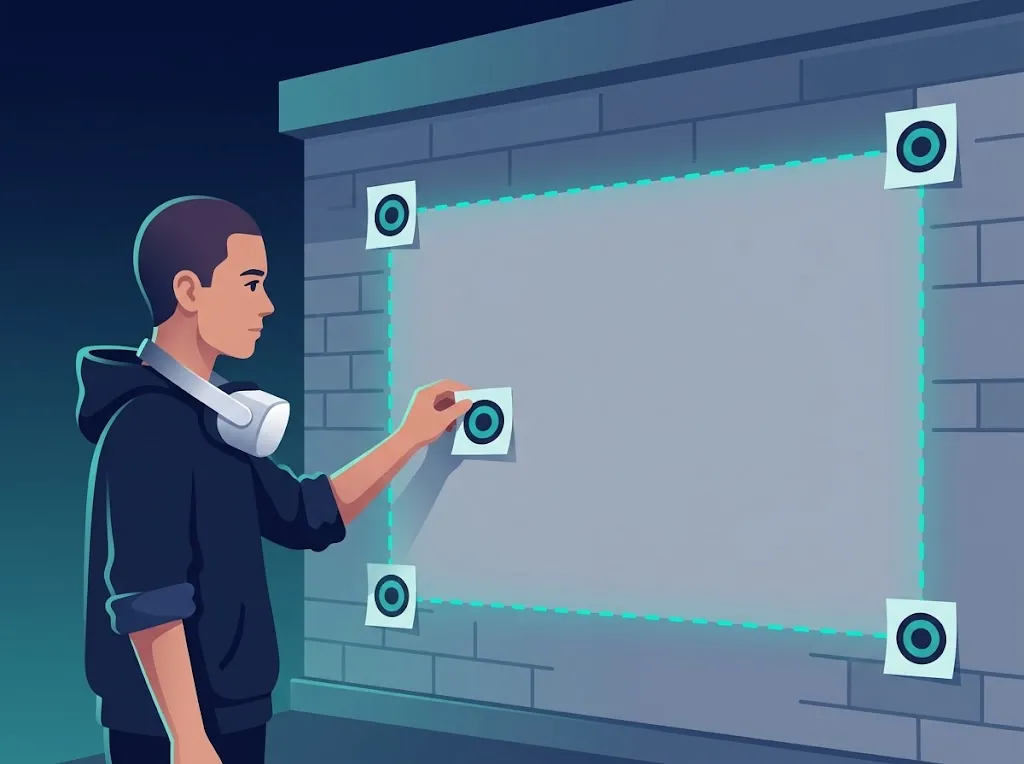
Stick the markers
Tape 3–5 paper markers to the wall: 4 corners and the centre. Number them with chalk.
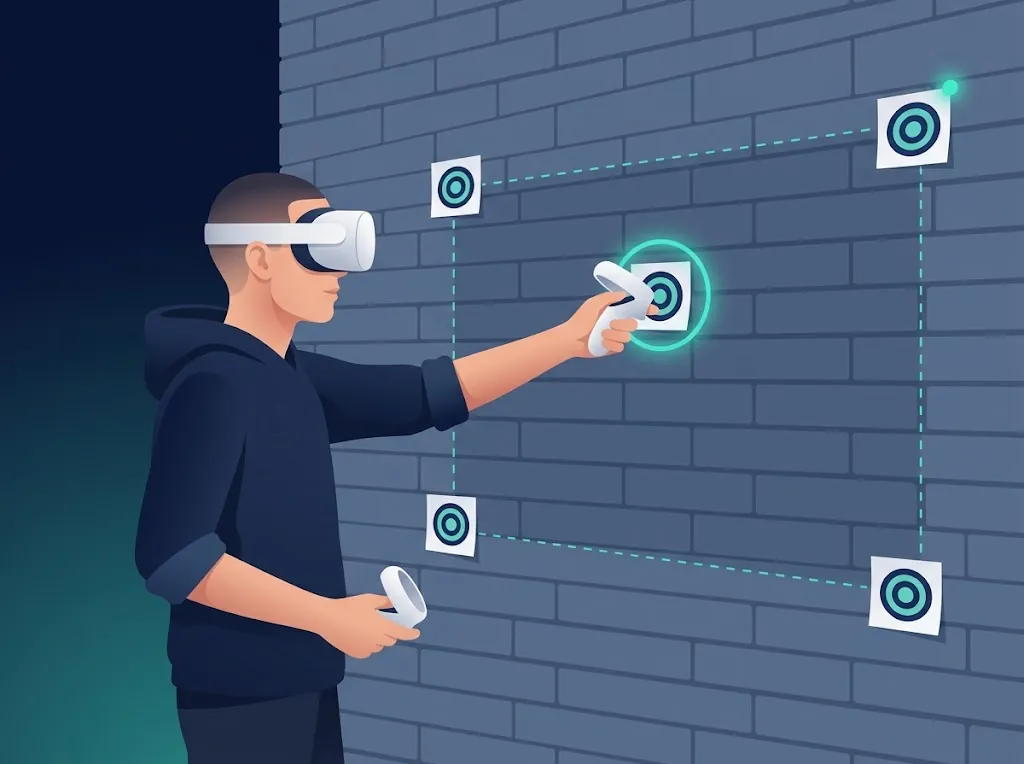
Touch the markers
Put on the headset, touch each marker with the controller tip and pull the trigger.
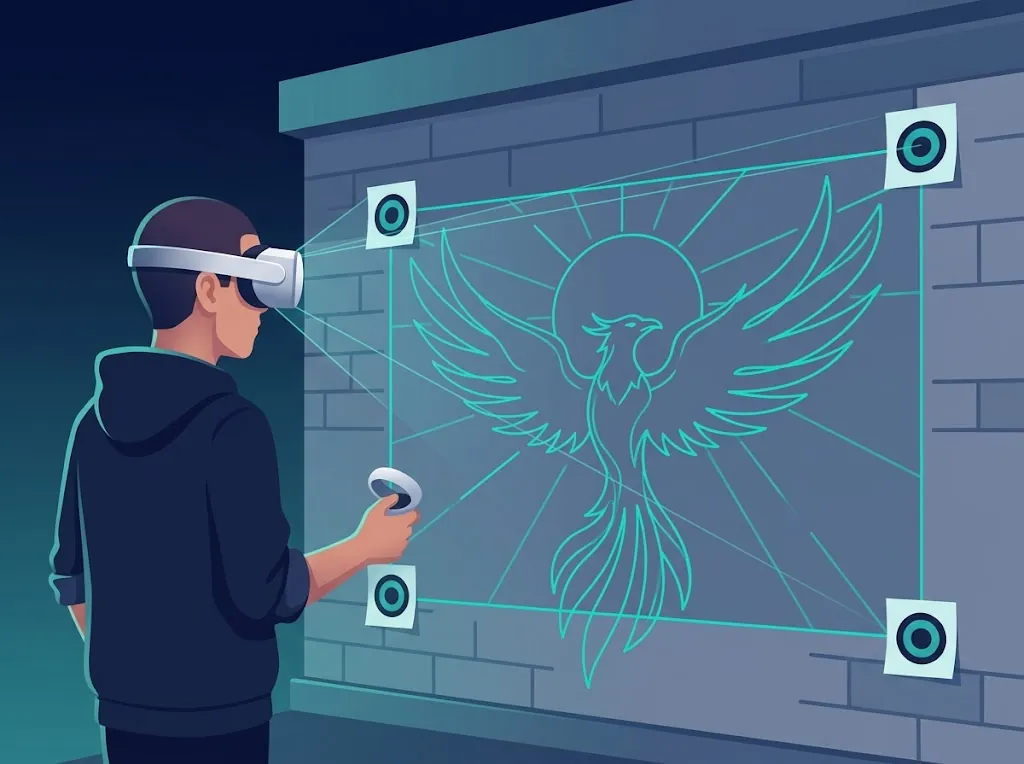
Load your sketch
From the headset, from your phone over Wi-Fi, or one of the 6 sample sketches.
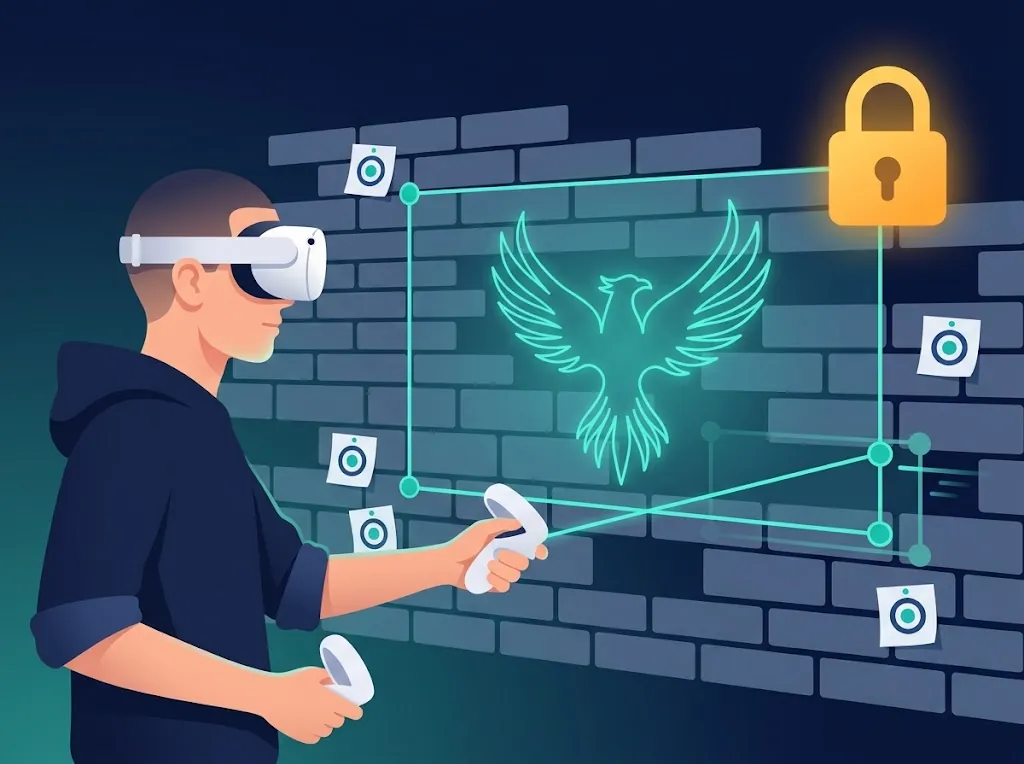
Size and lock
Stretch the corners or type the real size in metres, then lock the picture.
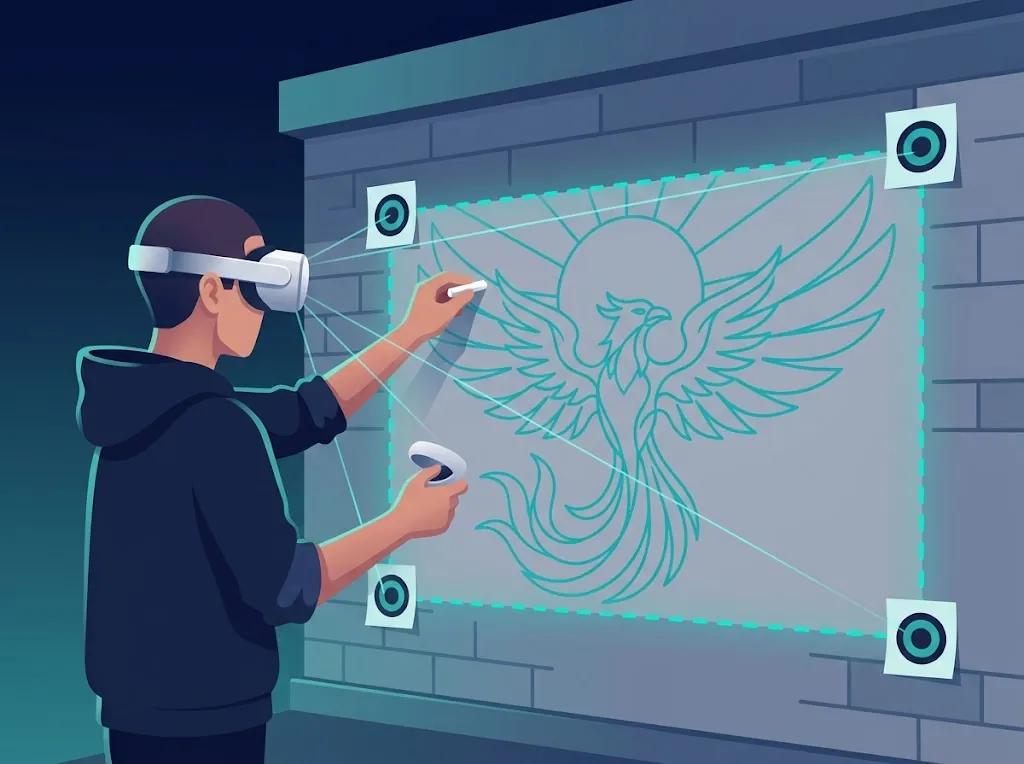
Trace with chalk
Draw the outlines. If the picture drifts, touch the markers again — it snaps back.
Features
Markers against drift
3–5 paper markers anchor the picture to the wall. Re-align at any time; the error is shown in millimetres.
Stretch by the corners
Drag any corner to fit the picture to the wall, or type the exact width and height in metres — proportions are kept.
Lock
One button locks the picture so you cannot move it by accident while you draw.
Outline, photo or both
Show only the outlines, the original picture or both together. Change the line colour to suit the wall.
Grid, mirror, opacity
A grid over the picture, a mirrored view and opacity you set with the controller stick.
Upload from your phone
Send a picture from your phone to the headset over your own Wi-Fi — just open the address the app shows.
Colour layers
Pro: the app finds the colours of your picture and shows one at a time — mark it out colour by colour.
Sections for big walls
Pro: split a large facade into a grid (A1, B2…). The active section is bright, the rest are dimmed.
Measured points
Pro: distances from marker 1 in metres, for marking with a tape measure without the headset.
Free, Pro and Studio
Free
- 1 wall, picture up to 10 m²
- Markers against drift, re-align with the error in mm
- Stretch by the corners, exact size in metres, lock
- Outline / photo / both, grid, mirror, opacity, line colour
- 6 sample sketches, upload from your phone
- 10 languages
Pro
- Everything in Free
- Walls of any size, as many walls as you like
- Saved projects and walls
- Colour layers from the picture palette
- Sections A1, B2… for big facades
- Measured points for the tape measure
Studio
3 headsets · +€49 per year for each extra headset
- Everything in Pro, on 3 headsets
- Team on one wall with shared markers soon
- Presentation for the client on their own facade soon
- Sketch variants A/B/C soon
- PDF report for the client with your studio logo soon
Discount codes from our partners: −10 %.
Prices in euros. Pro and Studio will be sold as in-app subscriptions in the Meta Horizon Store — that is the only way to pay. Studio features marked “soon” are in development.
Safety first
The app shows these rules when it starts. Please read them.
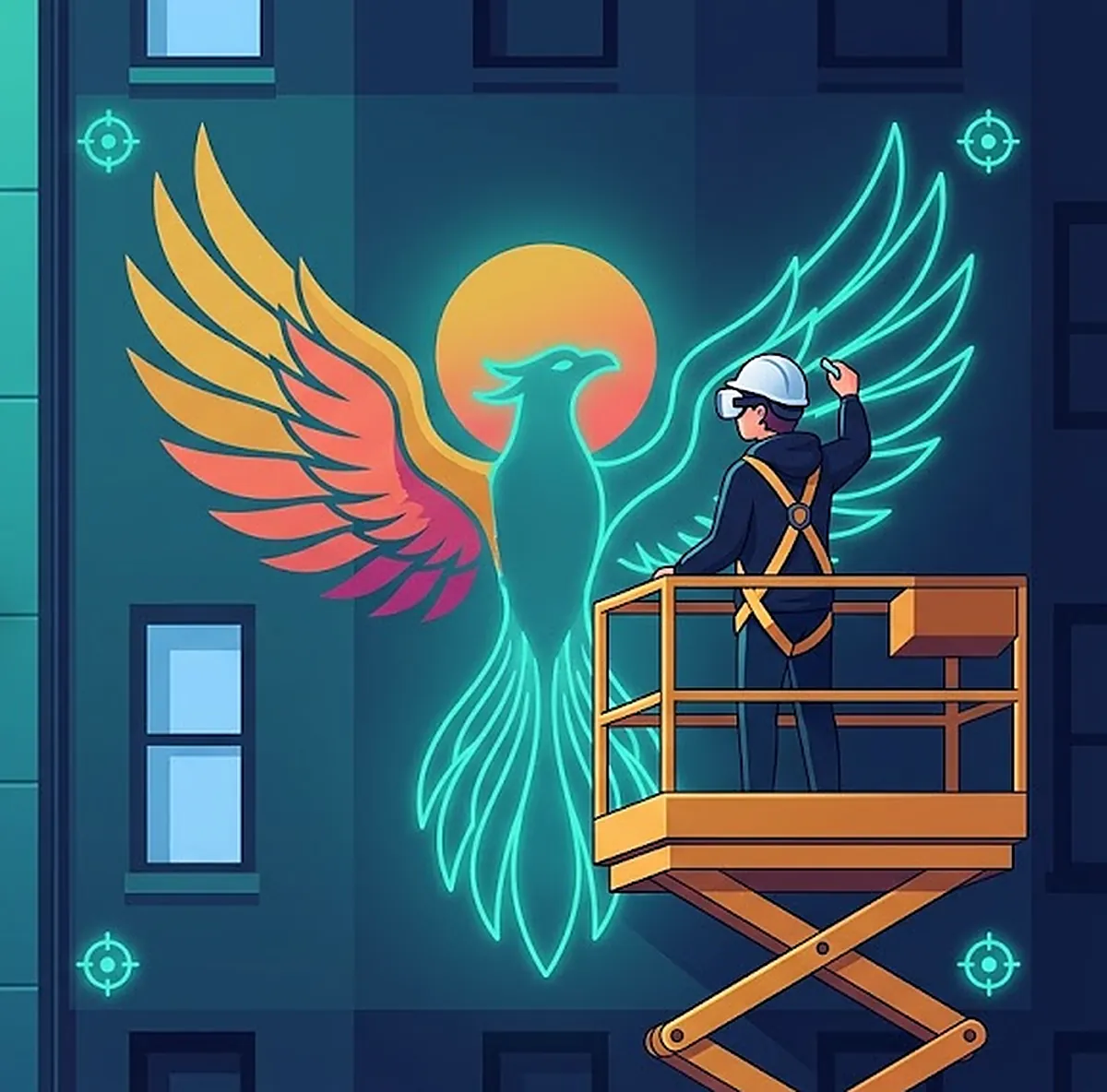
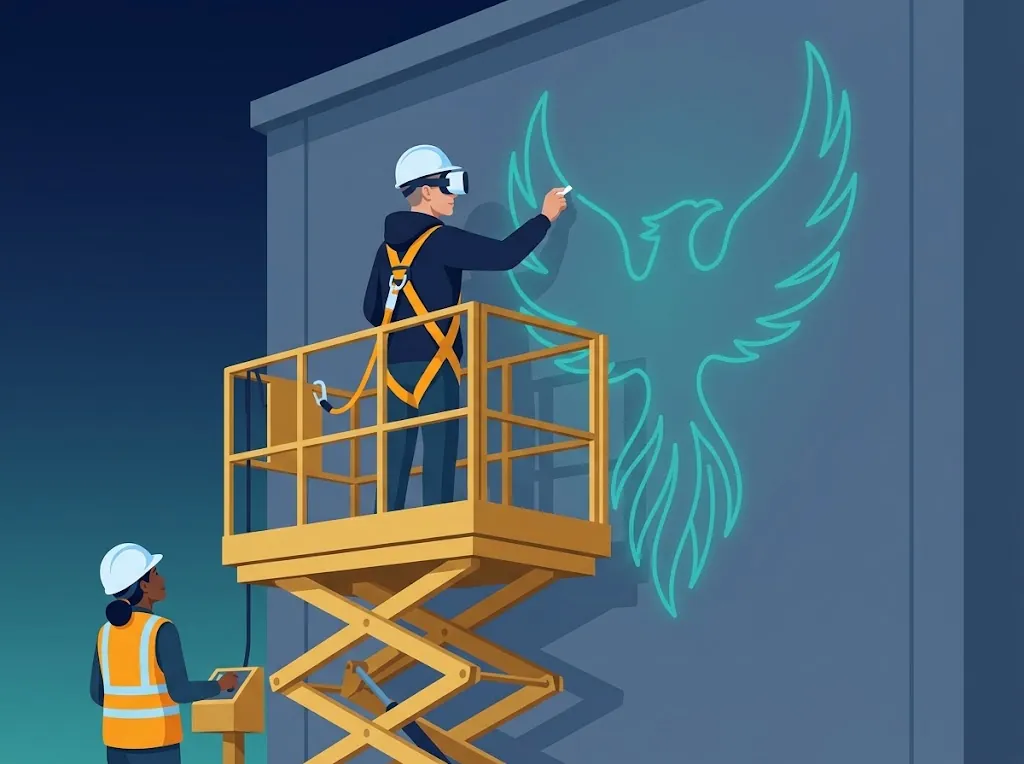
- The headset is only for marking: trace outlines with chalk, pastel or graphite. Never paint while wearing it.
- At height work only from a controlled lift or cradle with a safety harness, ideally two people: artist and lift operator. No ladders.
- Never look at the sun with the headset: direct sunlight damages the screens. Work in shade, in the evening or with a visor.
- Protect the headset cameras from dust and paint.
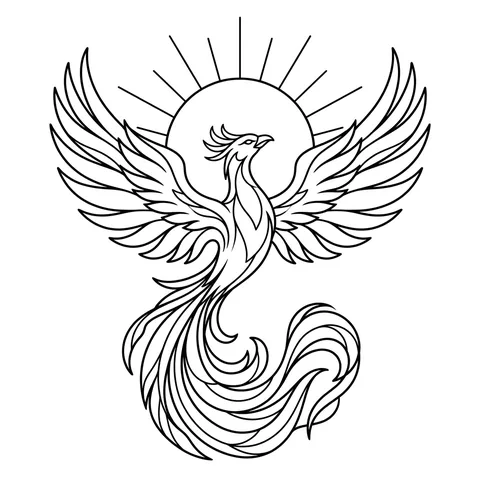
Six sample sketches inside the app
Try the app before you have your own design: line drawings ready to put on a wall.
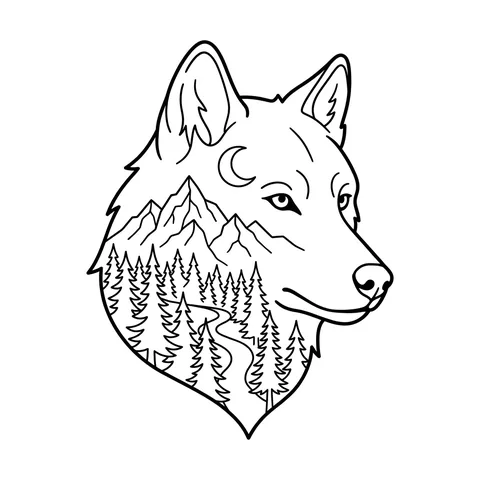
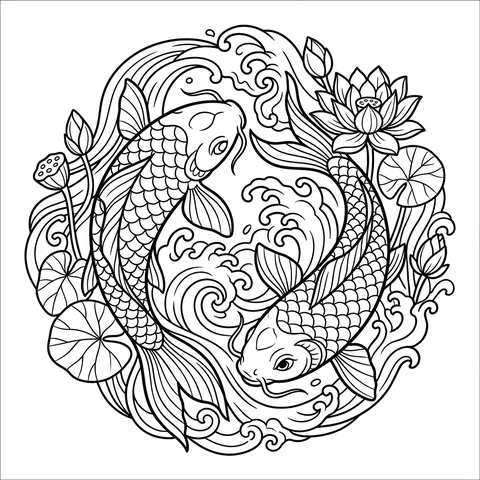
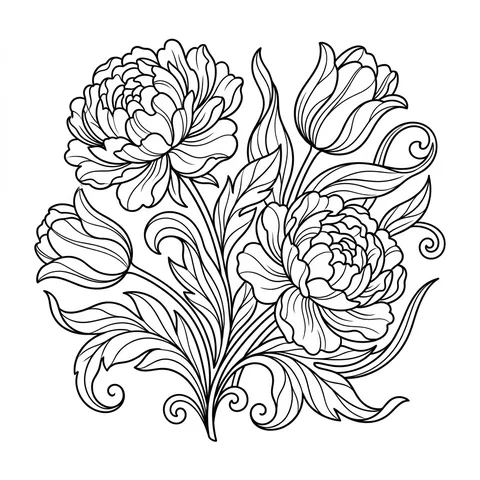
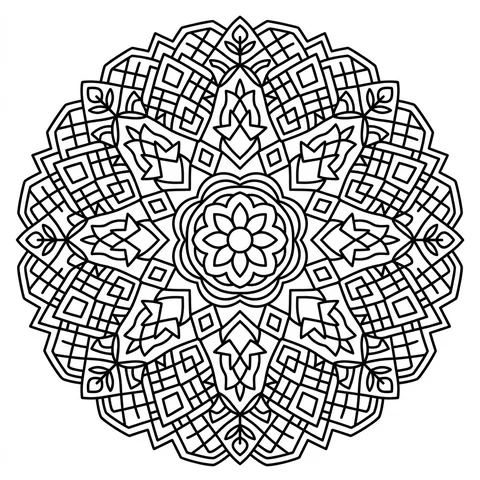
From a sketch to a finished wall
An example of the result: a phoenix mural on a city gable wall. With UZYTAK Mural the outlines of such a design are marked out on the wall in mixed reality, and the painting is done without the headset.

Your pictures stay on the headset
UZYTAK Mural collects no data: no account, no analytics, no tracking. Pictures, walls and projects are stored only on the headset. Uploading from your phone works only inside your own Wi-Fi network; nothing is sent to our servers. Purchases go through the Meta Horizon Store — we never see your payment details.
Questions
Which headsets does it work on?
Meta Quest 3 and Quest 3S, with colour passthrough. Quest 2 also works, but it shows the wall in black and white. Versions for Pico and Android XR headsets are planned.
Does it work outdoors and in the sun?
Yes, it works outdoors, but never look at the sun with the headset — direct sunlight can damage its lenses and screens. Work in shade, in the evening or with a visor. In bright light the cameras also hold their position less reliably.
How big can the wall be?
Free: one wall with a picture up to 10 m². Pro and Studio: walls of any size; split big facades into sections and work section by section from the lift.
How accurate is it? Does the picture drift?
The paper markers hold the picture to the wall. If the headset loses its position, choose Re-align and touch the markers again — the app shows the remaining error in millimetres. More markers and good light give better accuracy.
Do I need the internet?
No. All the work on the wall happens offline on the headset. Wi-Fi is only used if you send a picture from your phone — and only within your own network.
Where are my pictures and projects stored?
Only on the headset. We collect no data, there is no account and no analytics.
Can I paint while wearing the headset?
No. The headset is for marking only: trace the outlines with chalk, oil pastel or graphite, then take it off and paint.
When can I buy it?
UZYTAK Mural is being prepared for the Meta Horizon Store. This page gets a store button as soon as the app is available.
Questions or ideas?
Write to us — a small team answers in your language and adds what artists ask for.
UZYTAK Mural · Meta Quest · support@uzytak.com · Instructions, description and prices · Privacy policy